
COMPATIBILITY
Built around the devices you already own.
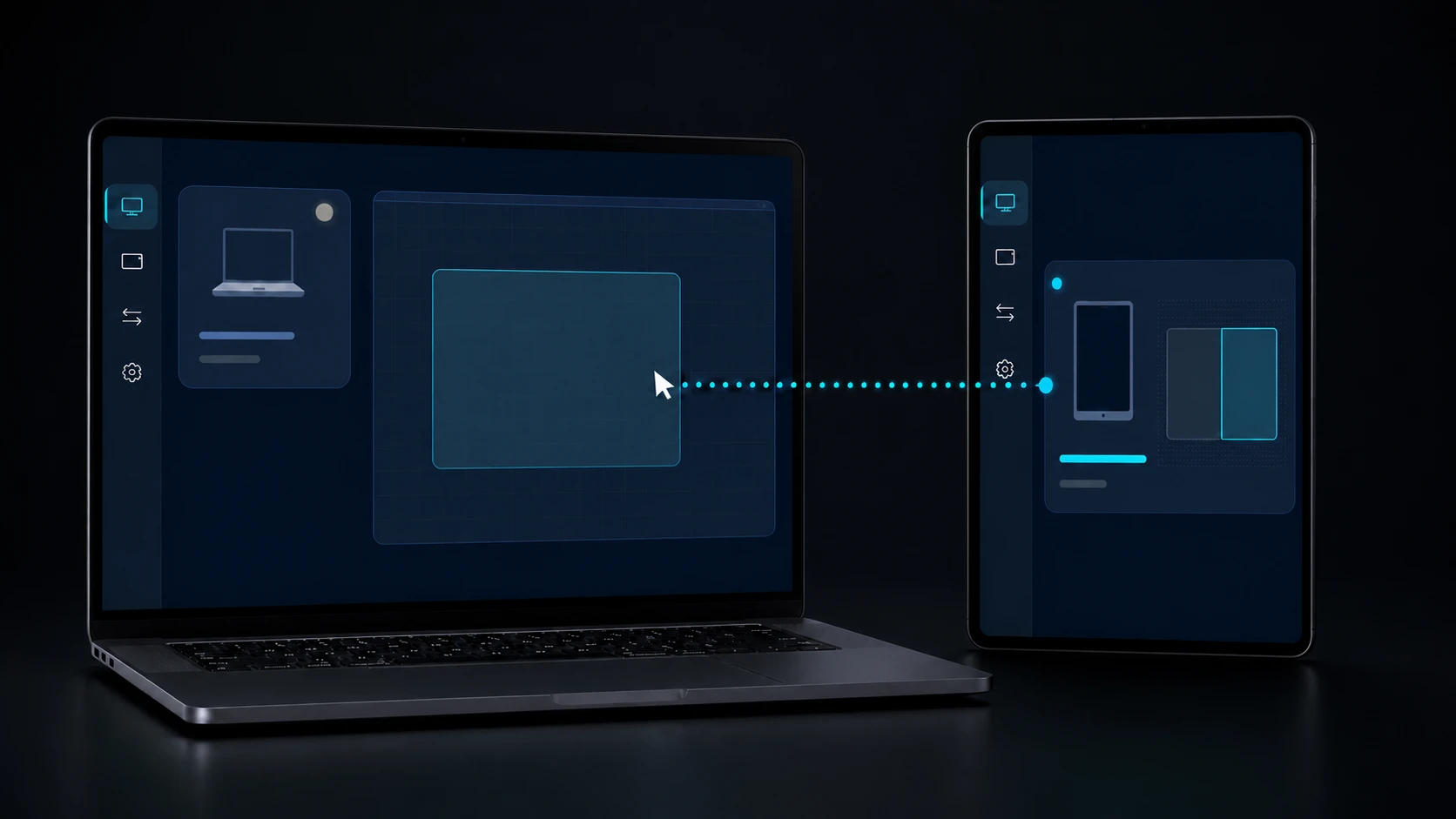
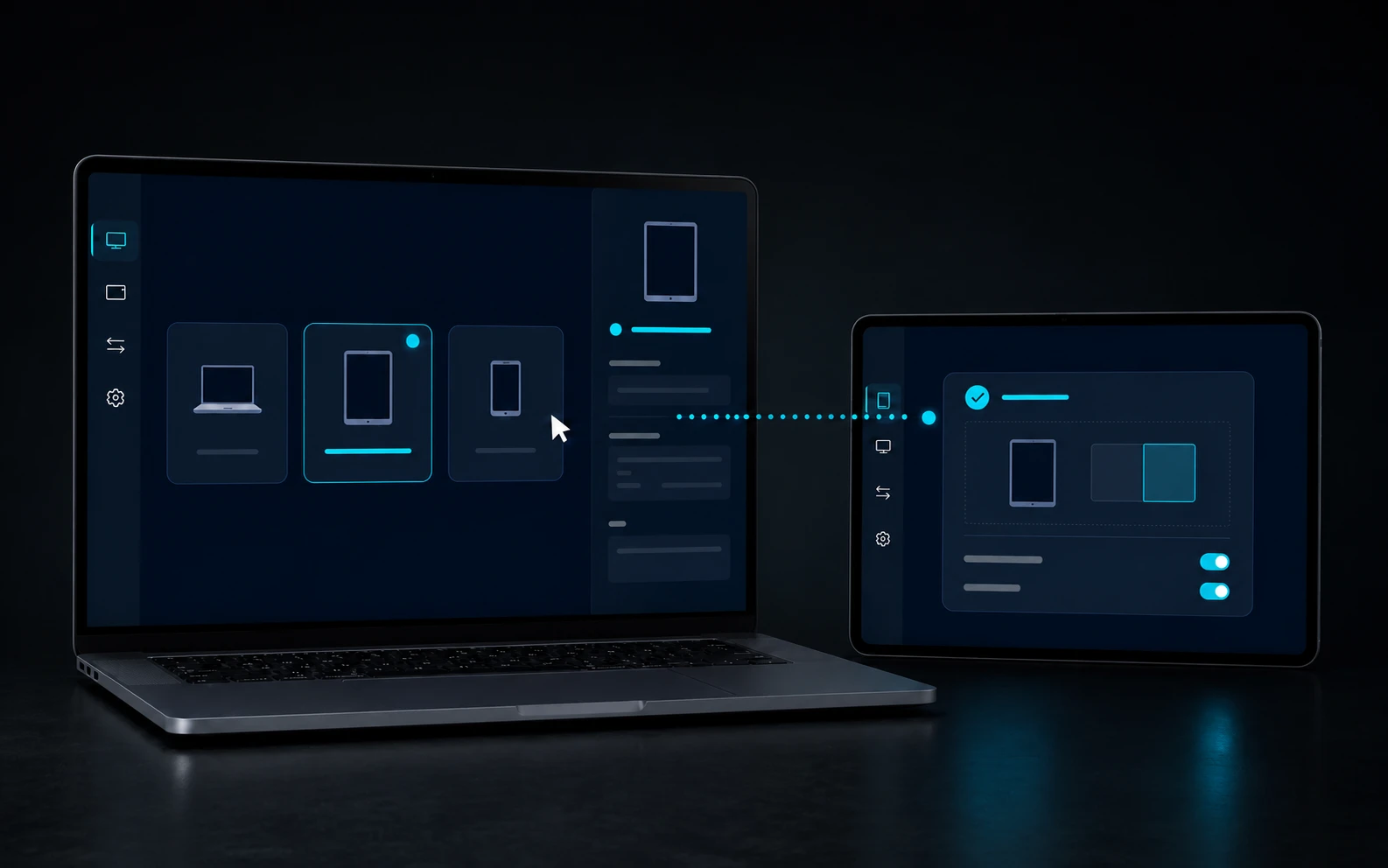
DeskChord targets Windows 10/11 x64 and Android 10+. The compatibility map tells you which permission, foreground state or signed component each lane needs before you pair a device.
Direct private LAN path. Every capability starts denied.
- PLATFORM
- Windows 10/11 + Android 10+
- NETWORK
- Private LAN, no relay
- PERMISSIONS
- Denied by default
- ACCOUNT
- Purchases, licenses and recovery
01 / CHAPTER
The supported baseline is deliberately clear.
Windows 10/11 x64 is the host boundary. Android 10+ is the target client baseline. Current physical acceptance is tablet-focused; phone acceptance is still pending, so a target version is not presented as a completed device matrix.
- Windows runs inside the signed-in user's current session.
- Android 10+ is the target baseline for the client surface.
- Tablet workflows have the current physical focus; phones remain pending validation.
02 / CHAPTER
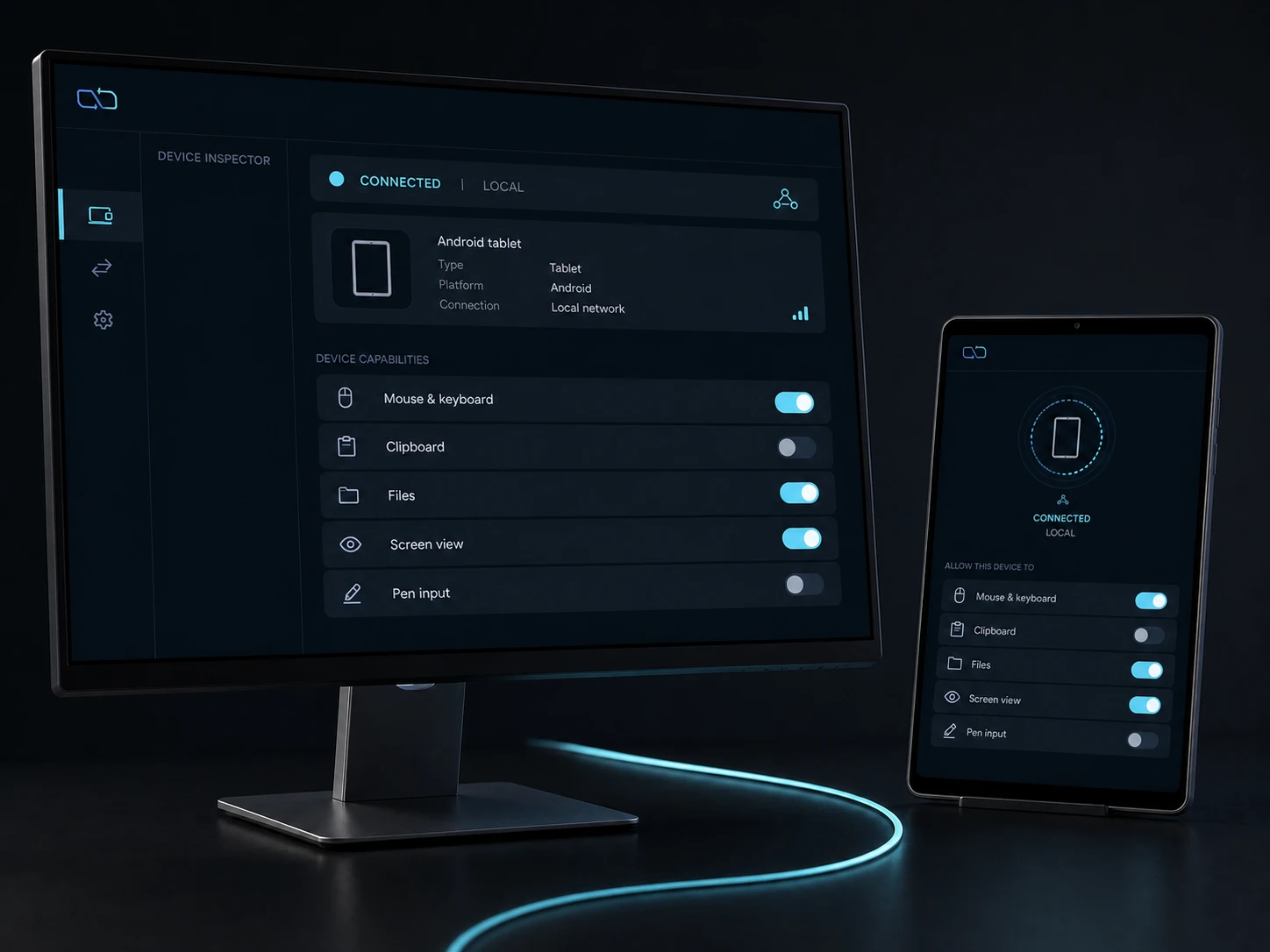
Android asks for the permission that matches the lane.
DeskChord does not turn one pairing into a blanket Android authority. Text and clipboard participation can require the user-selected DeskChord IME; cursor and keyboard handoff can require Android Accessibility; files and Remote Files use user-selected Storage Access Framework (SAF) roots.
- IME is selected by the user for the bounded text path; it does not expose clipboard history.
- Accessibility is an explicit requirement for the input lane and can be revoked independently.
- SAF keeps file roots user-selected and read-only until a verified local copy is chosen.
03 / CHAPTER
Foreground state and protected content are real boundaries.
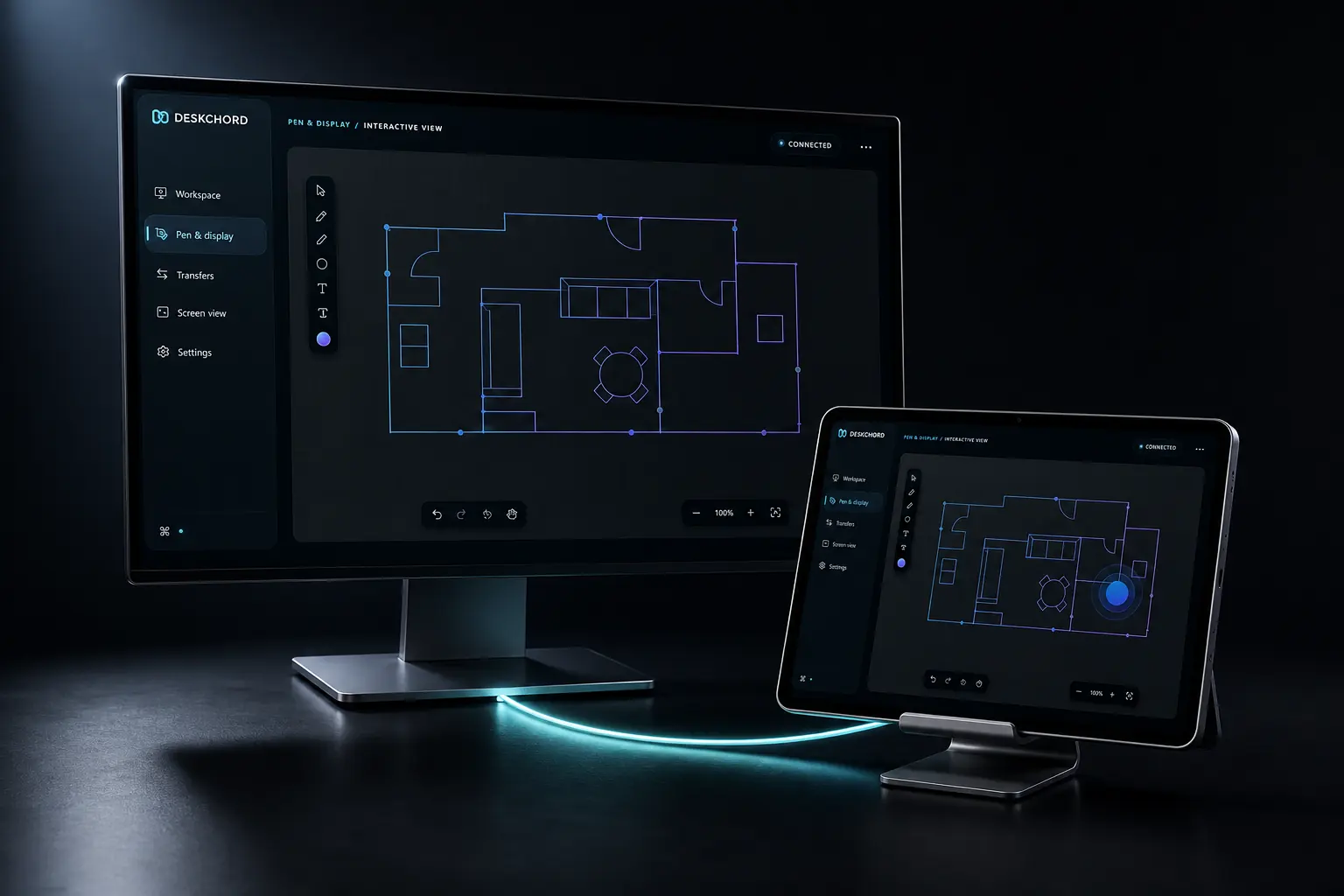
Pen Tablet and Interactive View depend on an Android foreground surface and the permissions exposed by the operating system. A protected Windows app or Android secure surface may refuse capture or interaction; DeskChord reports that refusal instead of bypassing it.
- Pen Tablet carries stylus and eraser events, not desktop video; the foreground surface must stay active.
- Interactive View selects a visible app or existing display; touch is a per-session opt-in gated by Input, while Pen Tablet uses Stylus.
- Protected content can block capture, input or both even when the peer is paired.
04 / CHAPTER
Windows remains a current-user host.
Terminal profiles run on a Windows host through a typed current-user ConPTY session. DeskChord does not add a service, elevation helper or lock-screen path, and it does not claim control over UAC or secure-desktop surfaces.
- Typed terminal is Windows-host only; Android is the client, not a shell host.
- Every terminal action uses a closed profile and an independently revocable grant.
- UAC, secure desktop, lock screen and higher-integrity windows stay outside the boundary.
05 / CHAPTER
Some lanes are intentionally still pending.
Remote Devices source paths exist, but current physical validation of serial/device profiles is pending. Wireless extended display is unavailable until a separately signed IDD is installed, attested and validated on the target Windows machine.
- Remote Devices means classified profiles and typed operations, never generic USB passthrough.
- A signed IDD is a prerequisite for wireless extended display; pairing cannot substitute for it.
- When a requirement is missing, the lane fails closed and the other local capabilities remain available.
FAQ
Clear answers before you install.
Which operating systems does DeskChord target?
The target baseline is Windows 10/11 x64 and Android 10+. Current physical acceptance is tablet-focused, while phone acceptance is still pending.
Which Android permissions might I need?
The lane decides: IME for bounded text, Accessibility for cursor and keyboard handoff, SAF for user-selected file roots, and a foreground surface for pen or view. Each permission remains separate from peer identity.
Can protected apps be captured or controlled?
Not always. Protected Windows content and Android secure surfaces can refuse capture or interaction. DeskChord keeps that platform boundary instead of bypassing it.
Is wireless extended display available now?
No. It stays unavailable until the separately signed IDD is installed, attested and validated on the target Windows machine.
DESKCHORD
One desk. Every device.
Start with the local path you already trust.