
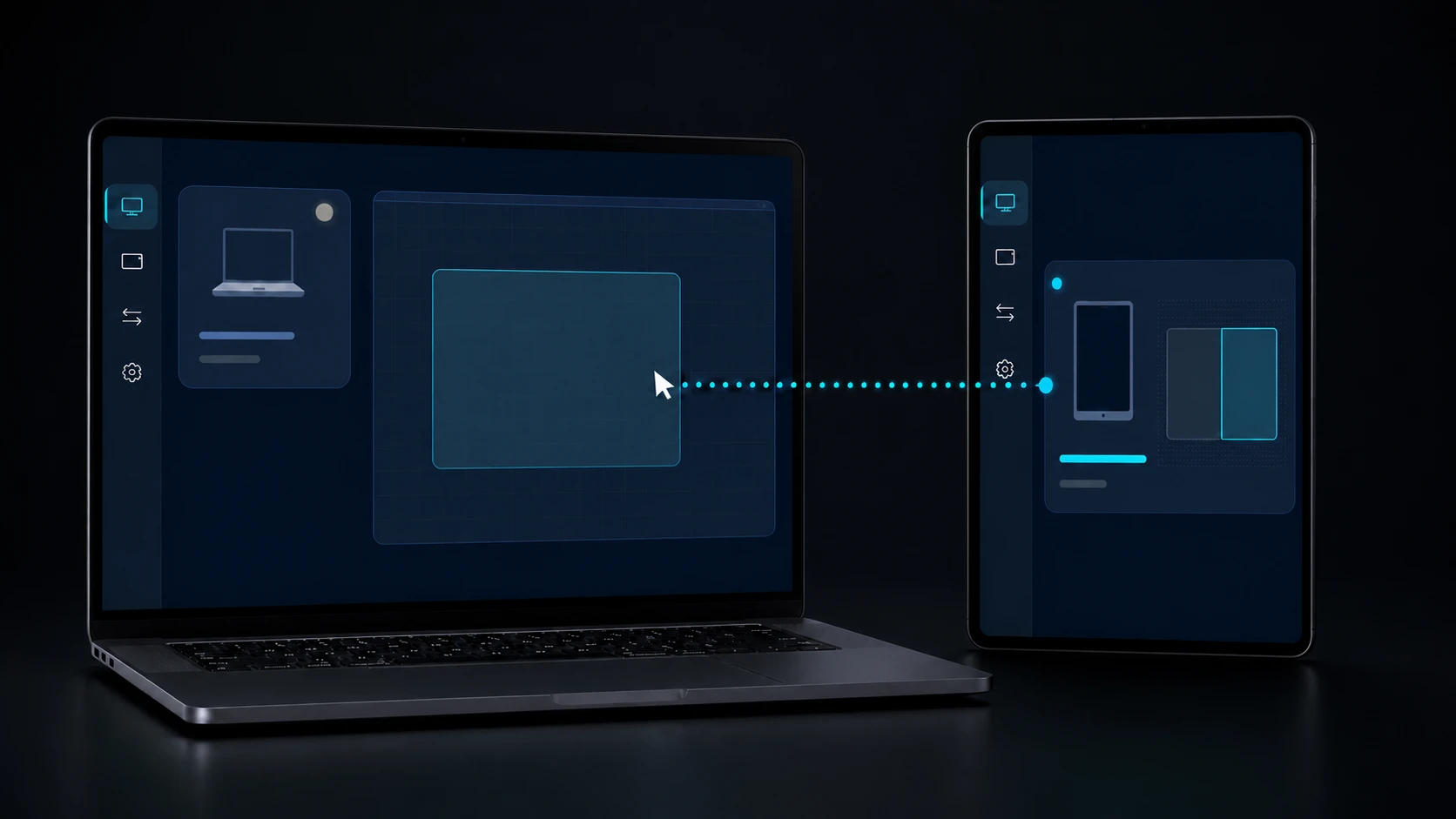
HOW IT WORKS
Pair. Place. Choose.
A clean DeskChord setup is three decisions and a visible stop: recognise the peer, describe the real desk, then authorise one lane for one task.
Direct private LAN path. Every capability starts denied.
- PLATFORM
- Windows 10/11 + Android 10+
- NETWORK
- Private LAN, no relay
- PERMISSIONS
- Denied by default
- ACCOUNT
- Purchases, licenses and recovery
01 / CHAPTER
01 / Pair identity.
Open DeskChord on both devices and compare the same SAS code. The authenticated session is pinned to the peer and runs directly across the private LAN.
- Pairing does not grant input, stylus, view, clipboard, files, terminal, Remote Devices or virtual display.
- Revocation and protected peer credentials survive restarts.
- A web account is not part of the LAN authority decision.
02 / CHAPTER
02 / Place the real devices.
Set the physical monitor rectangles and Android device positions. The owner publishes one complete monotonic revision; peers converge or fail closed when facts are incomplete.
- Topology contains monitor IDs, geometry, DPI, rotation and physical relationships.
- Logical placement is separate from native monitor facts.
- Only enabled, unambiguous handoff edges are eligible.
03 / CHAPTER
03 / Choose one lane.
Grant exactly what the task needs, observe its state and stop it when finished. Each capability gets its own generation, lease and revocation path.
- Input uses a 30-second exclusive lease; Pen Tablet uses a separate two-minute Stylus lease renewed at 90 seconds.
- Interactive View touch is a per-session opt-in gated by Input; virtual display is unavailable without signed IDD.
- Terminal and Remote Devices are typed, source-present and awaiting device validation.
04 / CHAPTER
04 / Release, then continue locally.
Press Release, revoke a grant or disconnect the peer. Remote state is fenced and local control remains available; reconnecting requires a new authenticated decision.
- No capability is silently restored after a revoke.
- File copies remain copy-only and verified.
- Use the support route when the operating system refuses a setting.
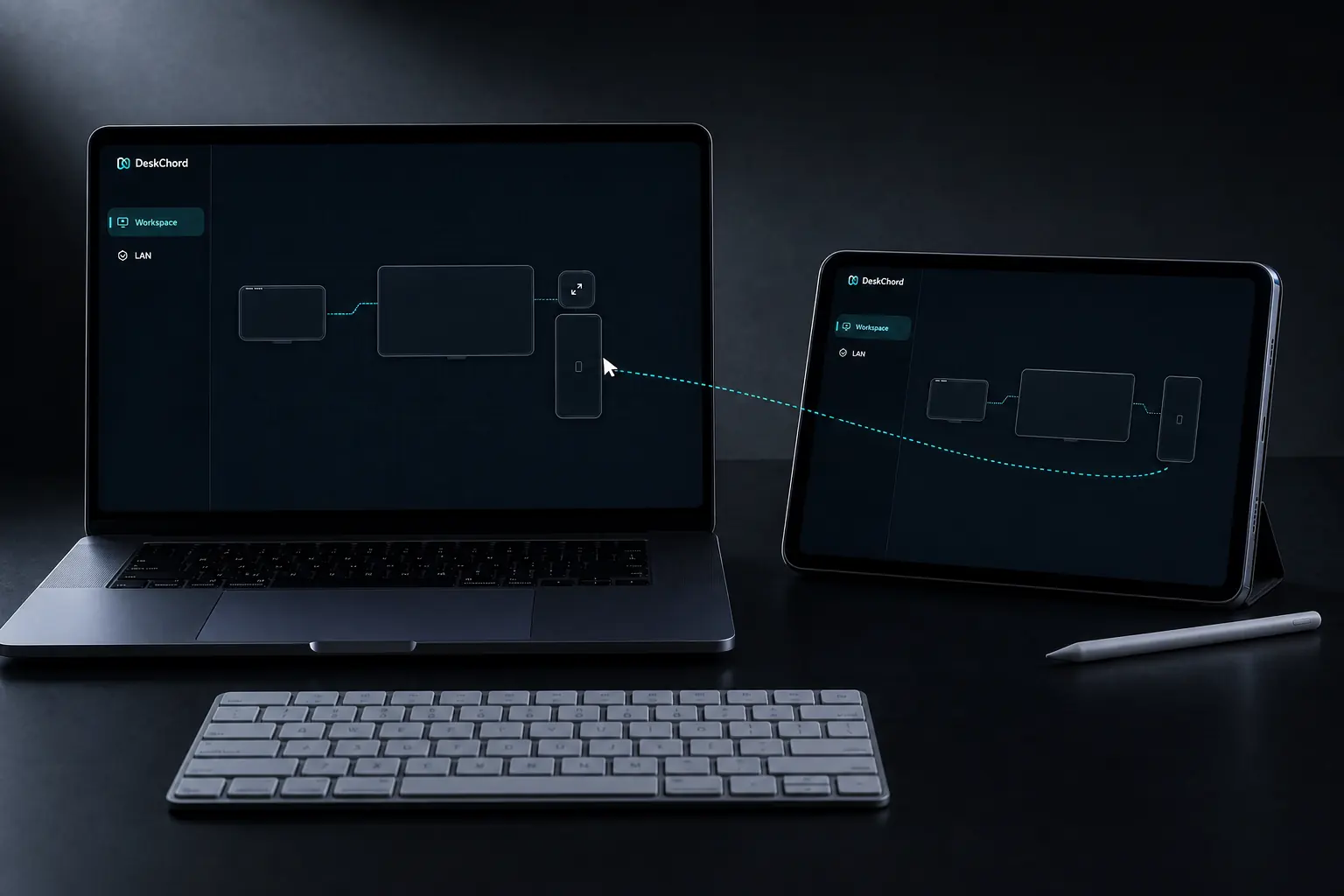
FAQ
Clear answers before you install.
What is the first setup action?
Pair by comparing the same SAS code on both screens while both devices are on the private LAN. This establishes peer identity, not capability authority.
Why does DeskChord ask for a topology?
The route follows the physical desk. A complete owner revision lets peers agree on monitor identity, geometry, DPI, rotation and handoff edges without guessing.
Can I turn on every capability while testing?
The safe workflow is one lane at a time. Input, stylus, view, virtual display, clipboard, files, terminal and Remote Devices are independent grants and default to denied.
How do I finish a session?
Use Release or revoke the relevant grant. The receiver fences late packets, releases input state and leaves local operation available.
DESKCHORD
One desk. Every device.
Start with the local path you already trust.