
FEATURES
Eight lanes. One local workspace.
DeskChord is not a master switch. Pairing gives a peer an identity; each useful action gets its own grant, lease and visible stop point.
Direct private LAN path. Every capability starts denied.
- PLATFORM
- Windows 10/11 + Android 10+
- NETWORK
- Private LAN, no relay
- PERMISSIONS
- Denied by default
- ACCOUNT
- Purchases, licenses and recovery
CAPABILITY DETAIL
Follow one lane in depth.
The feature index keeps the three specialised paths visible without merging their permissions or readiness status.
01 / CHAPTER
Input follows the physical edge.
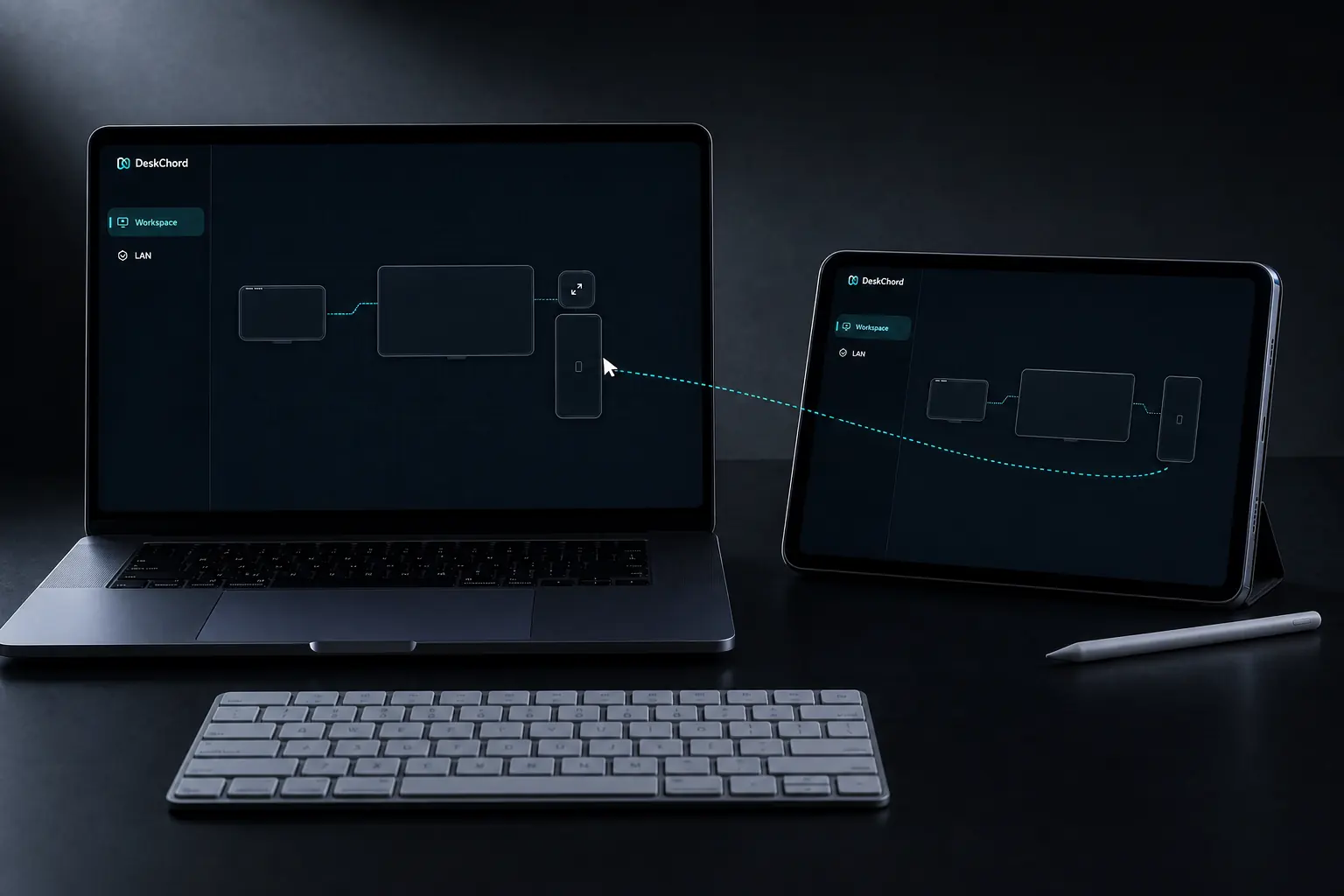
A shared workspace stores monitor geometry separately from logical device placement. The owner publishes a complete revision; peers reject incomplete or ambiguous edges instead of guessing.
- Cursor and keyboard share the input capability.
- SAS pairing plus pinned mTLS authenticates the direct-LAN session.
- An exclusive 30-second receiver lease expires and releases pressed state safely.
02 / CHAPTER
Stylus is a tool, not a video feed.
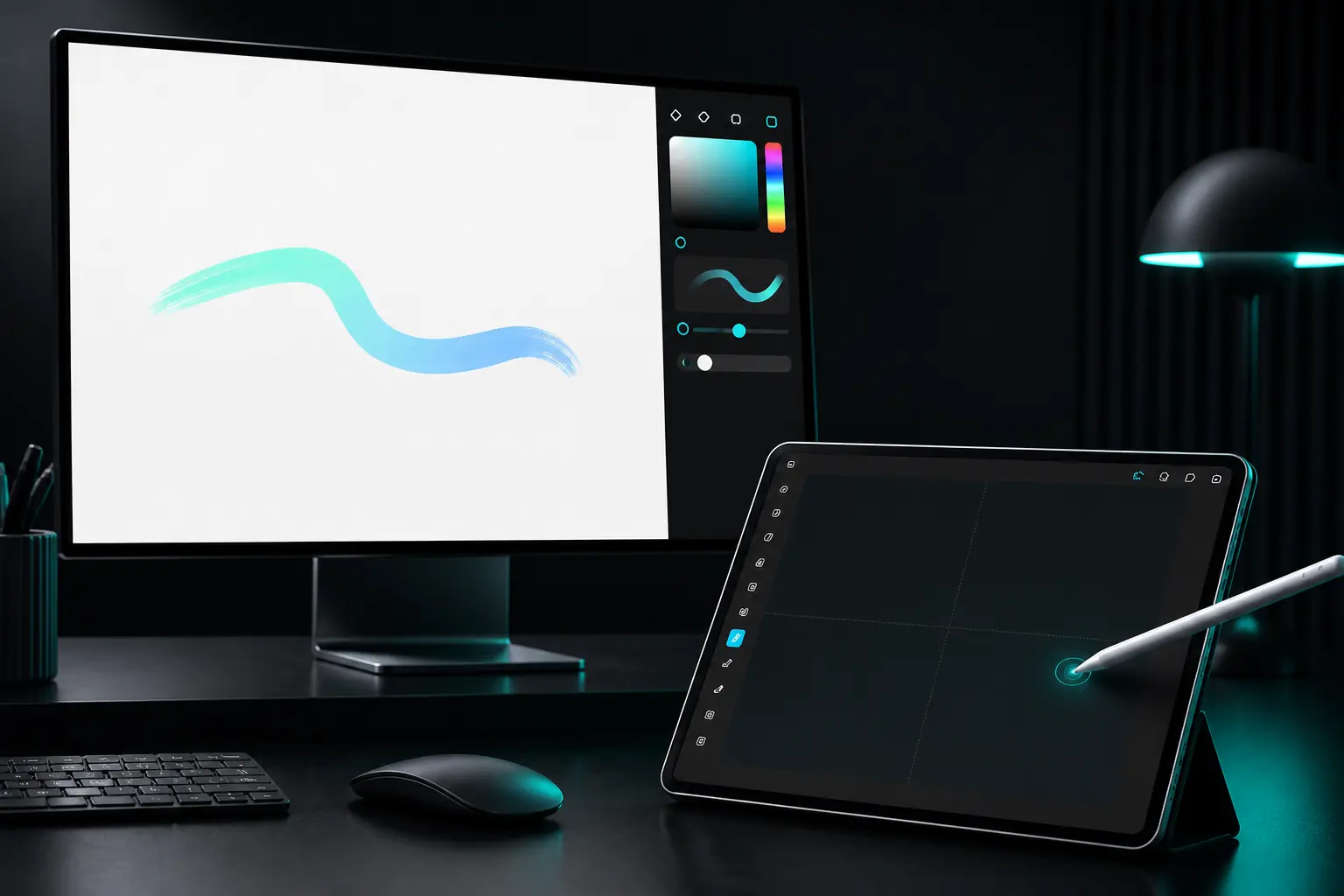
Pen Tablet maps a supported foreground stylus to a selected Windows work area. Pen and eraser events travel over the stylus lane; the Windows canvas stays on its native display.
- Stylus is denied by default and does not imply touch or screen view.
- No display driver is required for pen-tablet mode.
- Advanced source paths exist; full current-device validation remains pending.
03 / CHAPTER
View one selected source.
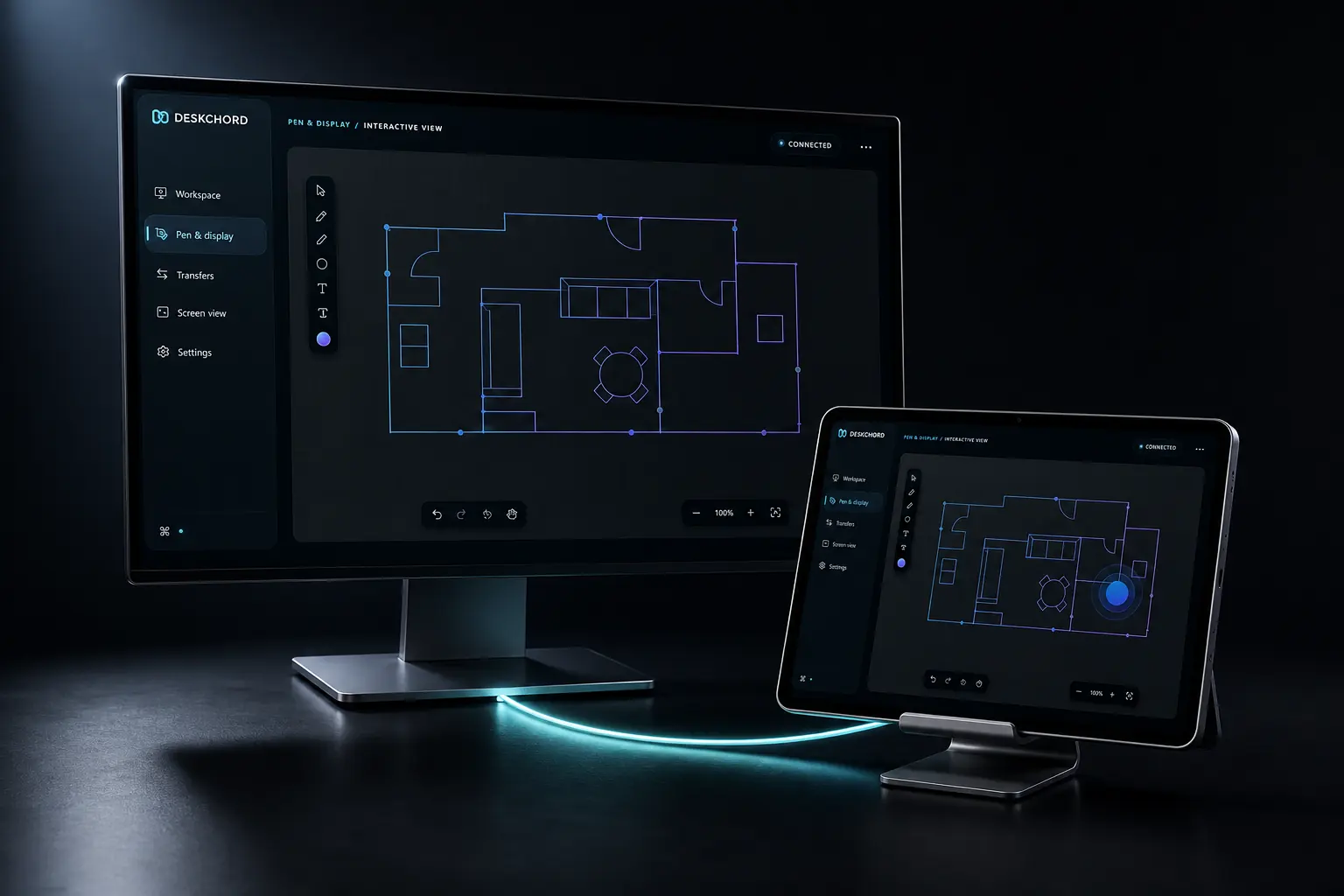
Interactive View uses native capture for a visible app or existing monitor. Touch is an optional per-session opt-in gated by the Input grant; Pen Tablet remains the separate Stylus path.
- The viewer is video only until you enable touch for this session with Input already granted.
- No audio, microphone or hidden command lane is created.
- Virtual display is unavailable while the signed IDD requirement is unmet.
04 / CHAPTER
Files and text stay bounded.
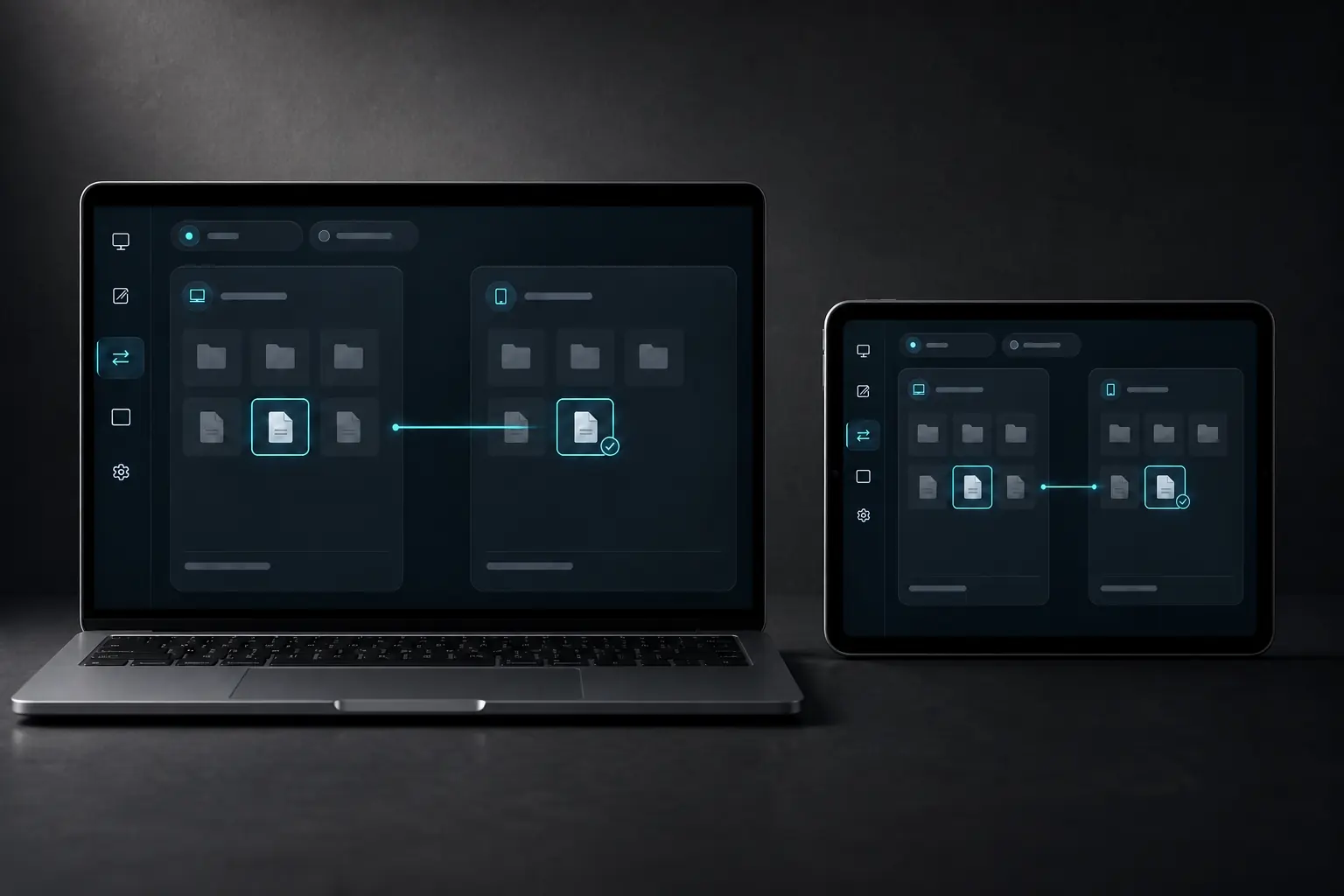
Copy selected documents, SAF folders or Remote Files exports through the direct LAN. Bounded Unicode clipboard text uses a separate grant and session generation.
- Copies verify path, size, disk space, chunks and final hash; the source remains unchanged.
- Remote Files is read-only until the user selects a local publication destination.
- Nothing auto-opens and clipboard history is never collected.
05 / CHAPTER
Typed terminal and device sessions.
Terminal profiles are a closed allowlist for Windows ConPTY. Remote Devices is a classified serial bridge with explicit configure, I/O, control, reset and close operations.
- Android never hosts a shell and no generic command endpoint exists.
- Terminal and serial source is present, but hardware/device validation is pending.
- Both capabilities have their own leases, generations and revocation.
FAQ
Clear answers before you install.
Why are there eight grants instead of one connection toggle?
The connection identifies a peer, while the grants describe authority. Separating eight lanes makes a file copy, pen route or view revocable without silently enabling input or terminal access.
Can a layout repair itself from an address?
No. DeskChord needs a complete owner revision with monitor IDs, geometry, DPI and physical relationships. Ambiguous or foreign-owner advertisements fail closed.
Which capabilities are still awaiting device proof?
Typed terminal and Remote Devices/serial profiles have source support but no current physical device acceptance. Wireless extended display remains unavailable until signed IDD validation.
What is deliberately outside the product?
Internet relay, generic remote execution, audio transport, generic USB passthrough and automatic file opening are outside the contract.
DESKCHORD
One desk. Every device.
Start with the local path you already trust.