
SECURITY
Authority stays explicit.
DeskChord's security story is a set of narrow decisions: who is paired, which lane is granted, how long it is leased and what happens when the path breaks.
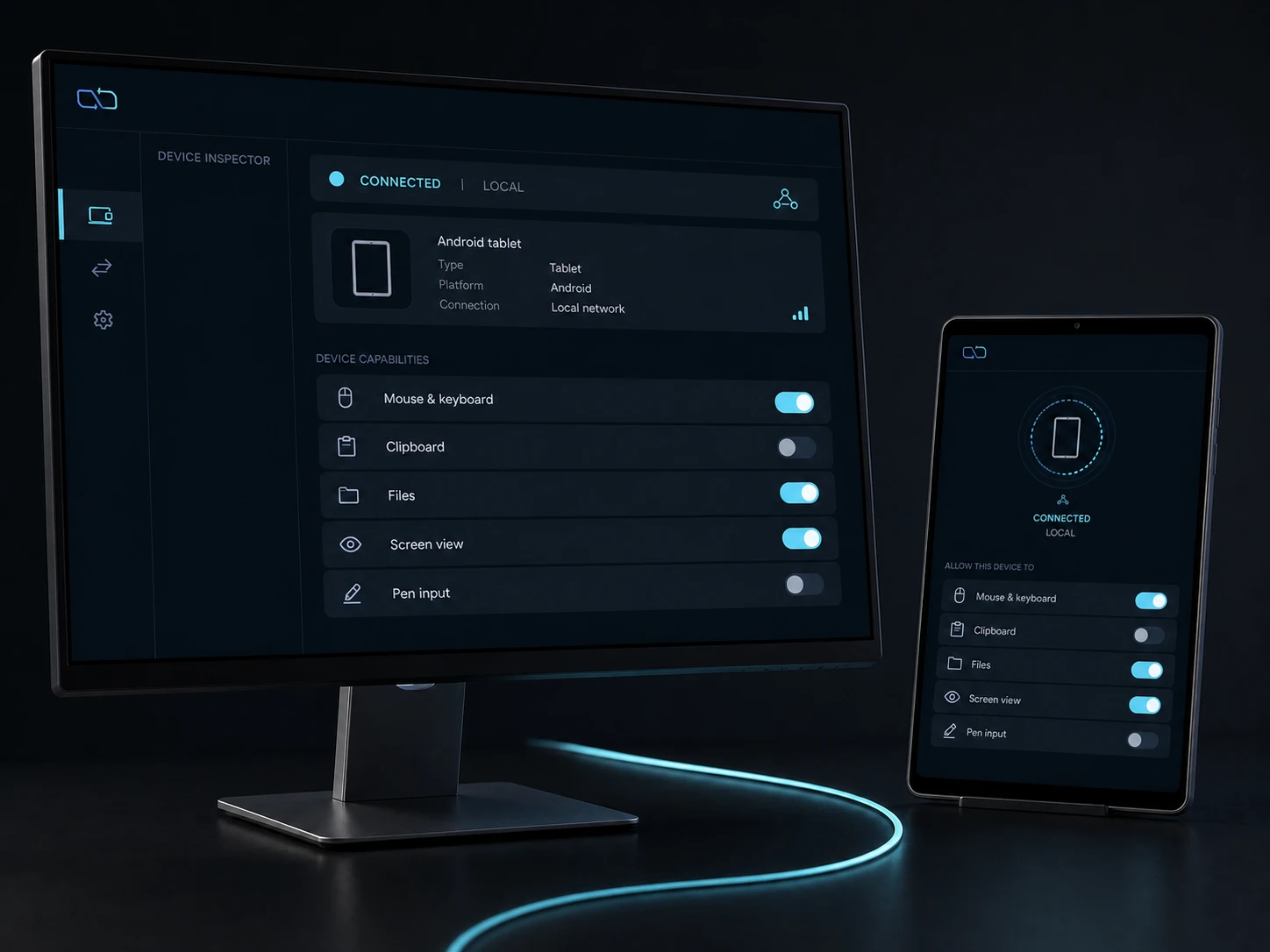
Direct private LAN path. Every capability starts denied.
- PLATFORM
- Windows 10/11 + Android 10+
- NETWORK
- Private LAN, no relay
- PERMISSIONS
- Denied by default
- ACCOUNT
- Purchases, licenses and recovery
01 / CHAPTER
Pairing is identity, not permission.
SAS confirmation establishes the peer identity and pinned mutual TLS protects the direct-LAN session. Neither step authorises input, files, terminal or display by itself.
- Credentials are protected by the native runtimes.
- Peer ownership and revocation are checked on every generation.
- No internet relay participates in the LAN data path.
02 / CHAPTER
Eight independent grants.
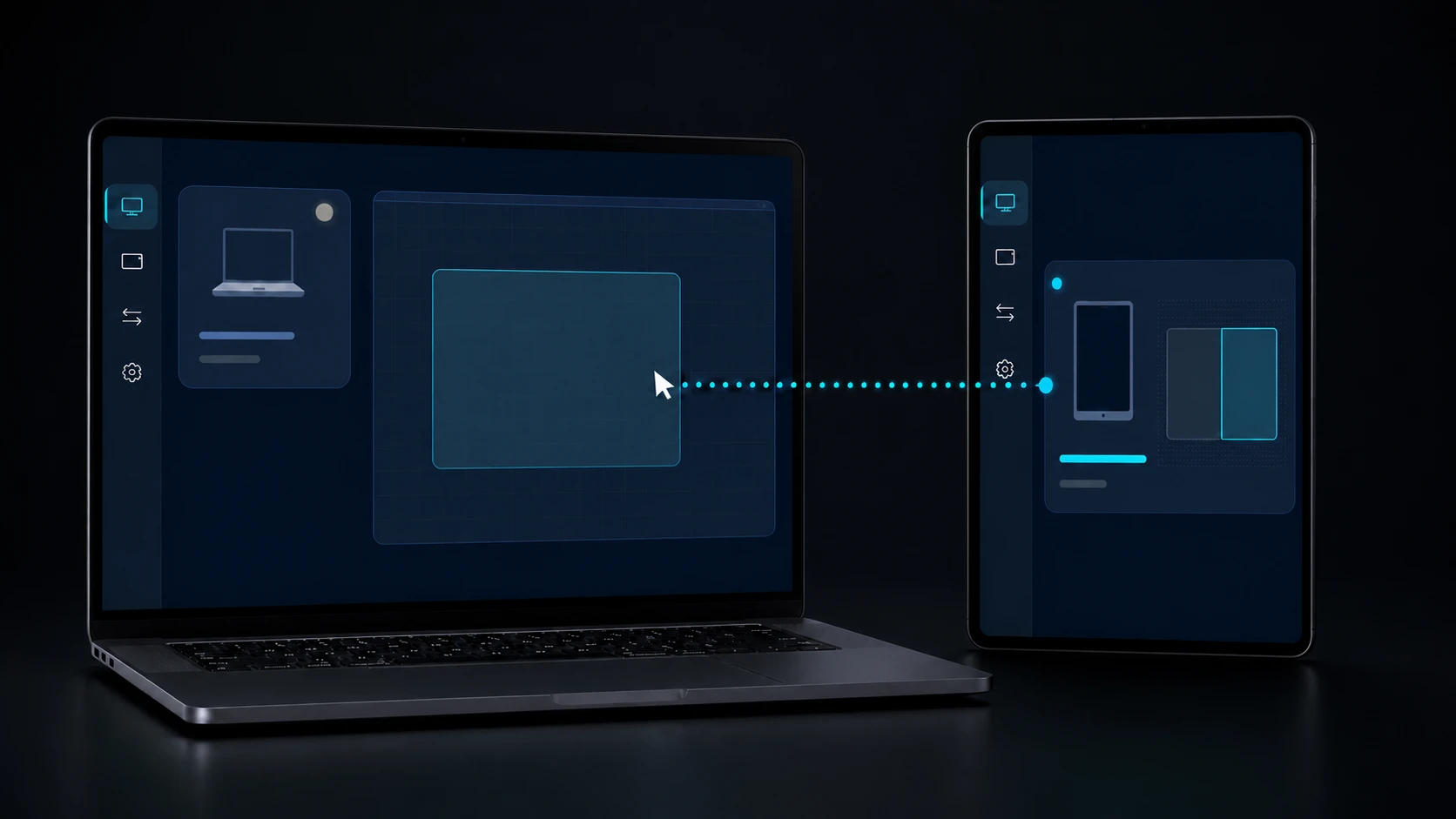
Input, stylus, screen view, virtual display, clipboard, files, terminal and Remote Devices are separate authority records. The default is denied; revocation applies immediately and survives restart.
- A screen-view grant does not imply reverse input.
- Virtual display is unavailable until signed IDD validation.
- Remote Devices is typed serial/device access, not generic USB.
03 / CHAPTER
Short leases and one-way release fences.
Cursor and keyboard use a receiver-issued 30-second Input lease. Pen Tablet uses a separate two-minute Stylus lease renewed at 90 seconds. Disconnect, timeout, generation mismatch or revoke releases pressed state and rejects late packets instead of reviving an old session.
- Terminal and serial sessions use their own generation and close operations.
- File verification is bound to the exact authenticated transfer.
- The local device remains usable after every failure path.
04 / CHAPTER
The current user is the boundary.
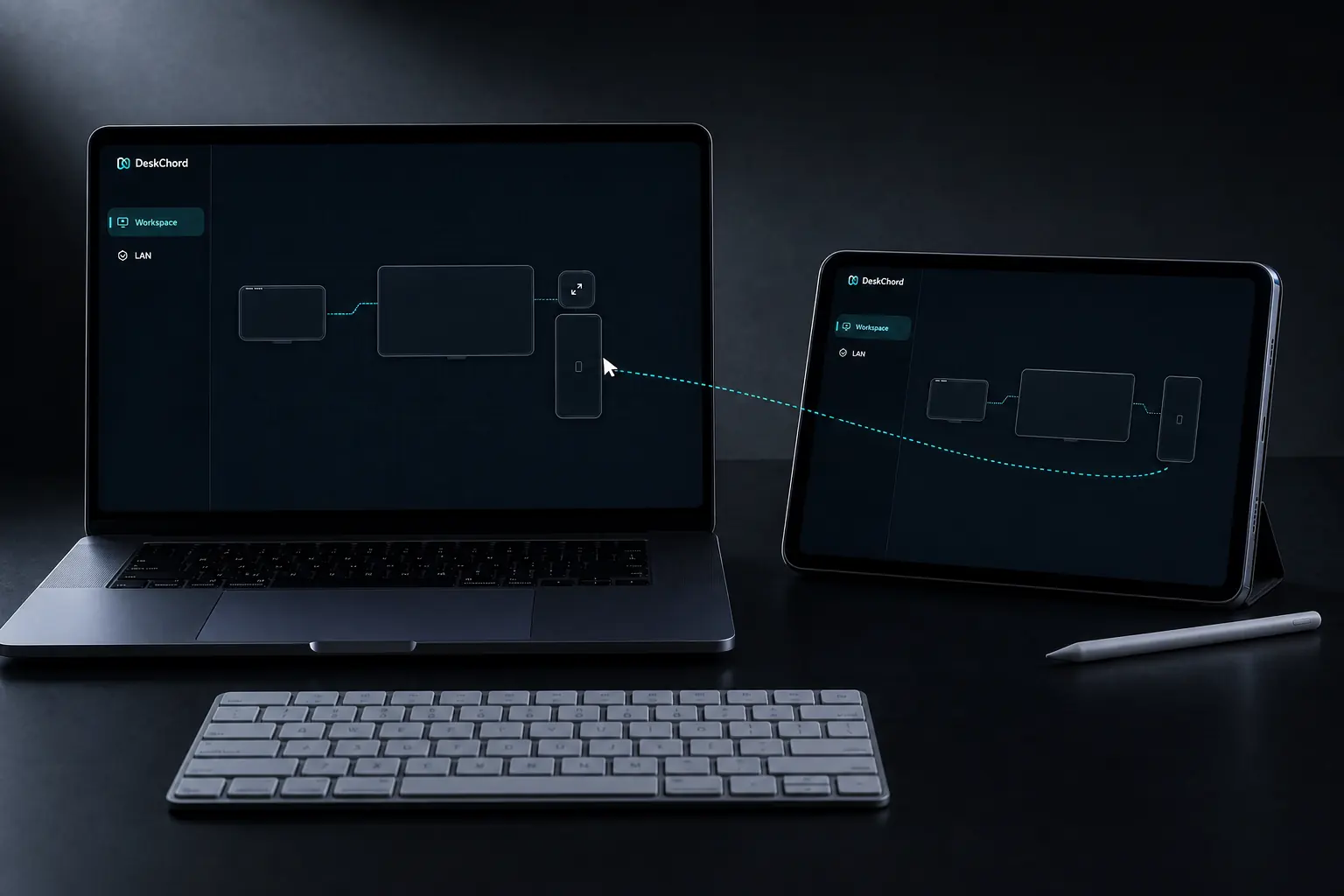
Windows uses public APIs in the signed-in user session. DeskChord does not control UAC prompts, secure desktop, lock screen or higher-integrity windows, and adds no service or elevation helper.
- Android secure apps may refuse gestures or text.
- Clipboard is bounded text and never exposed to a WebView.
- Protected screen content may refuse capture.
FAQ
Clear answers before you install.
Does pairing let a peer control everything?
No. Pairing establishes identity. Eight separate grants start denied and are evaluated independently for every session and capability.
What happens after a disconnect?
The active lease and generation are released, remote pressed state is cleared and late packets are rejected. A reconnect must authenticate and receive a fresh grant.
Why is Windows not controlled at UAC or the lock screen?
The product stays inside the current signed-in user session and public APIs. Higher-integrity, secure-desktop and lock-screen control are intentionally outside the boundary.
Is the browser account an authority token for peers?
No. The optional web account service is separate from LAN peer authority. Account availability never grants input, files, terminal or display access.
DESKCHORD
One desk. Every device.
Start with the local path you already trust.