01 / STORY
A cursor that respects the desk.
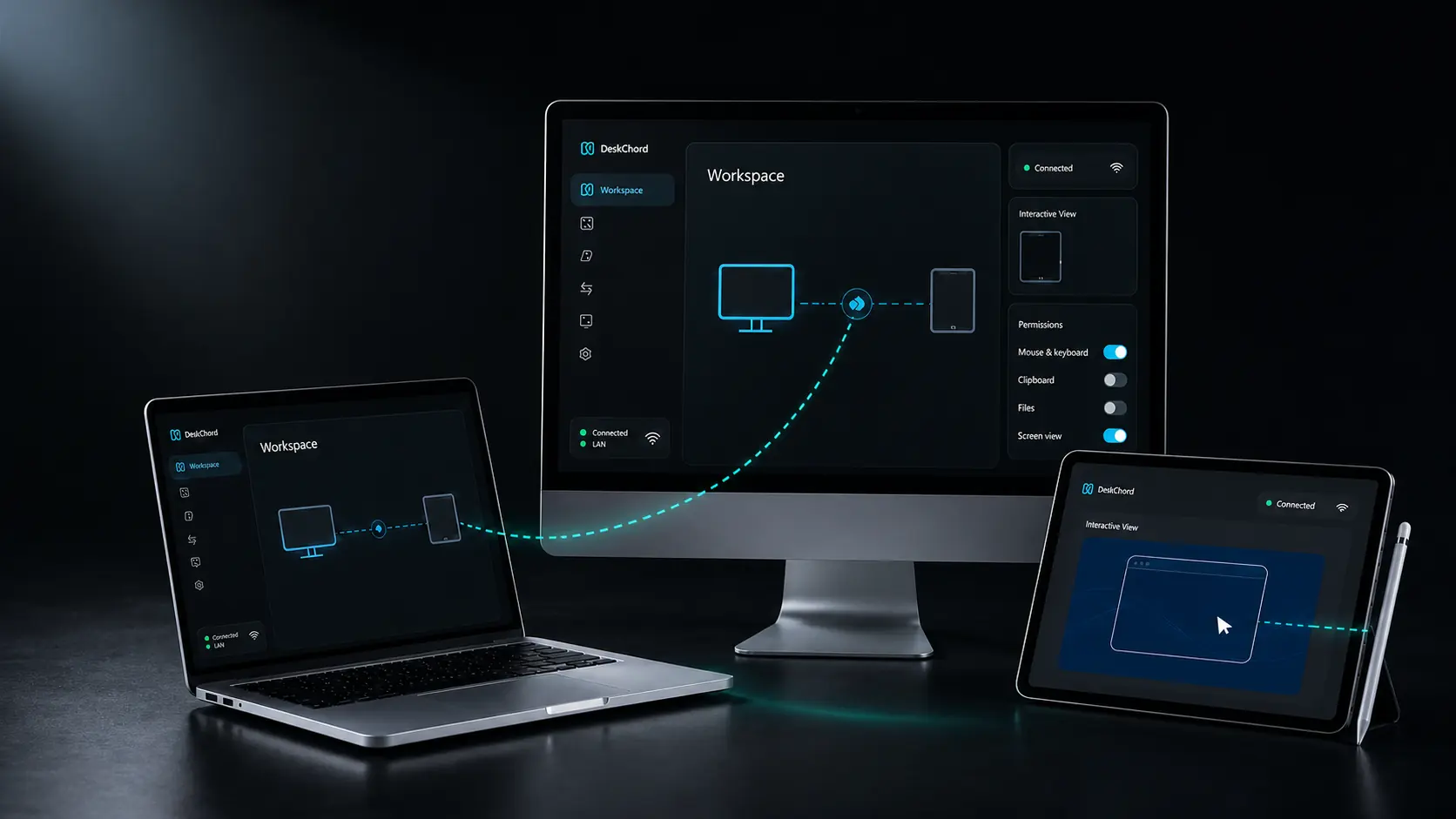
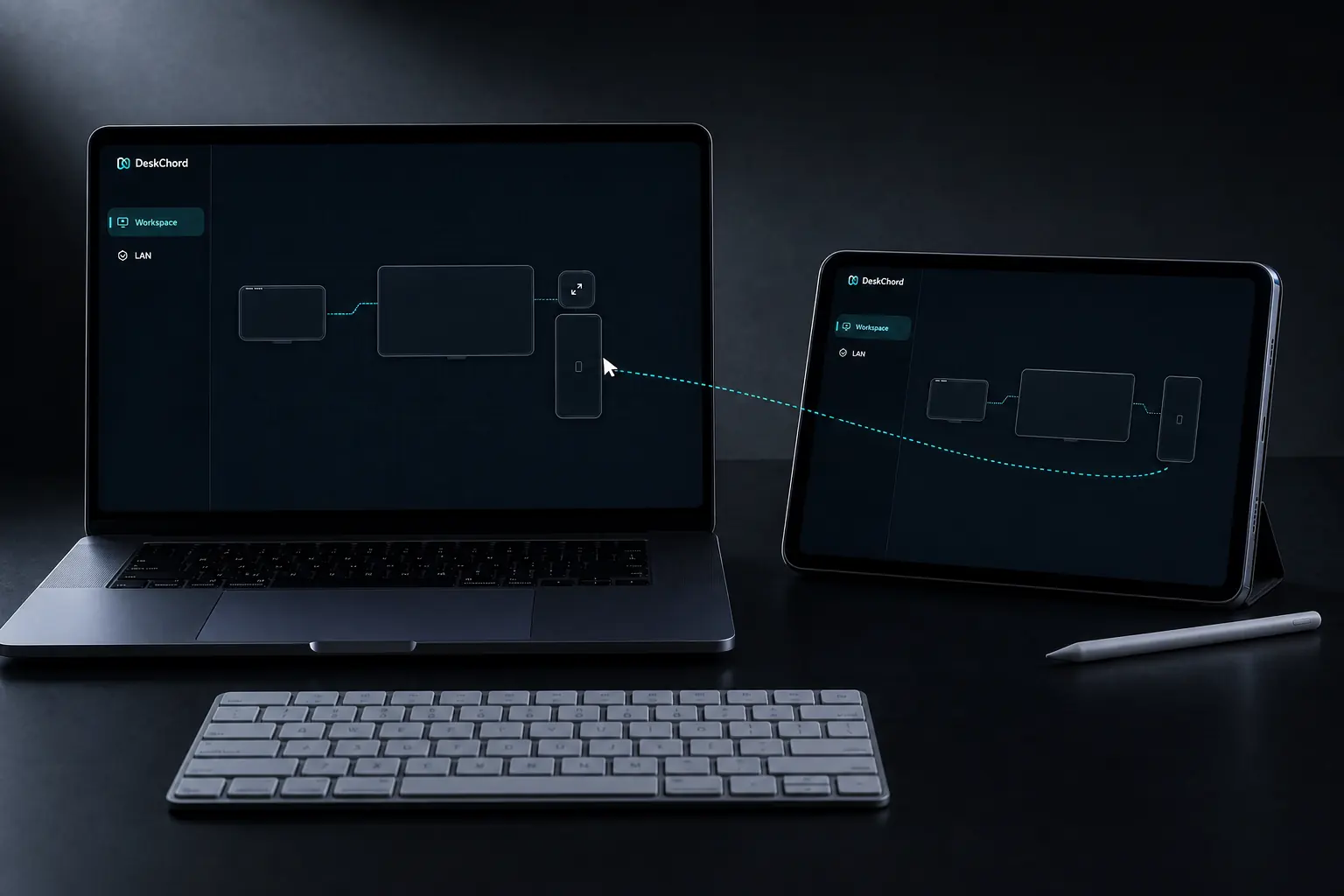
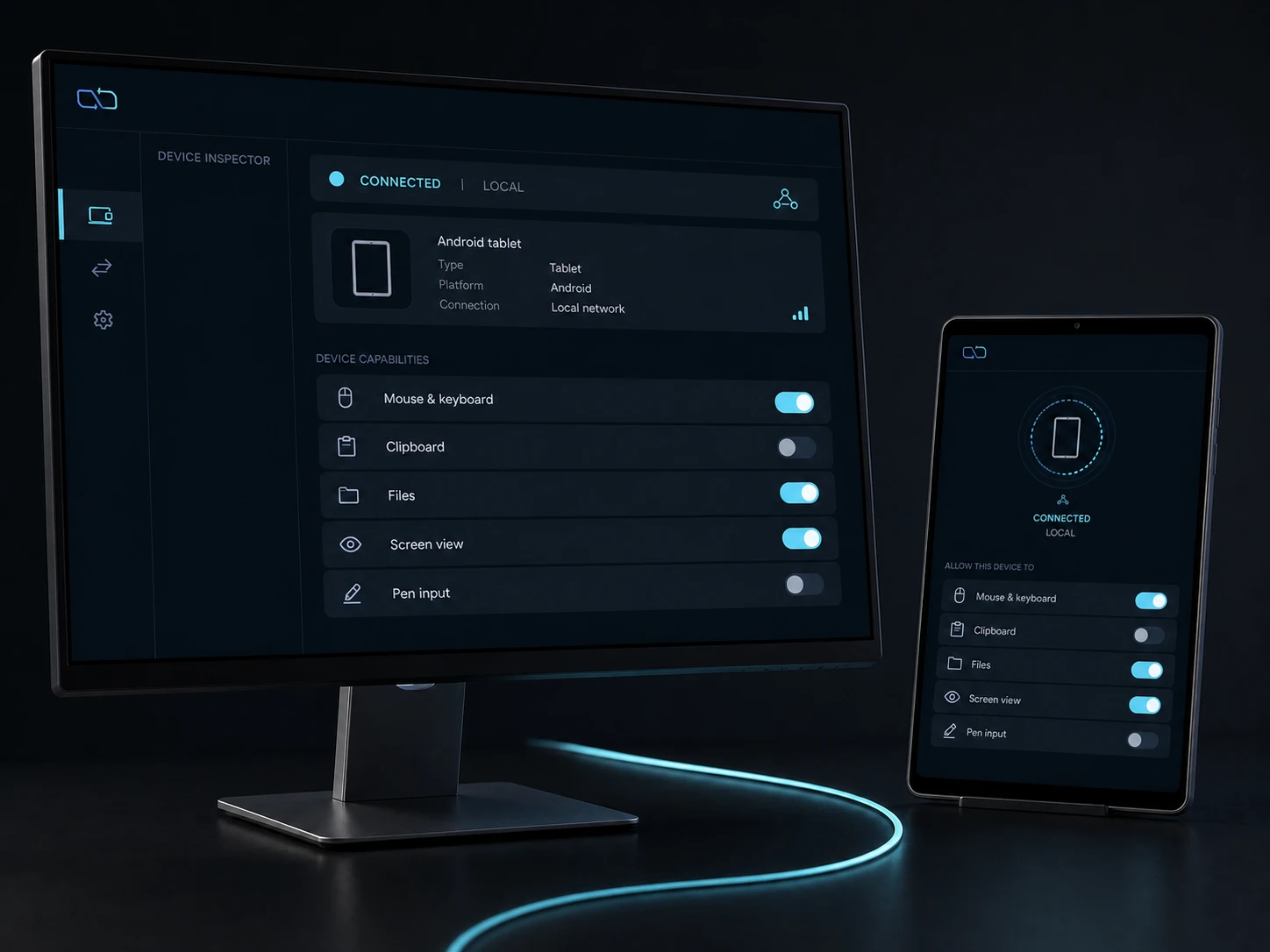
Place physical screens and Android rectangles in one shared workspace. A monotonic owner revision is synchronised between peers; only accepted, unambiguous edges can become a handoff route.
- Cursor input and keyboard input are part of the input grant, separate from every other capability.
- Pairing confirms identity with a SAS code, then the session uses pinned mutual TLS over the direct LAN.
- The receiver issues an exclusive 30-second lease; renewal, disconnect or revoke releases remote input and returns control locally.
Explore the capability ↗02 / STORY
Move copies. Keep the source.
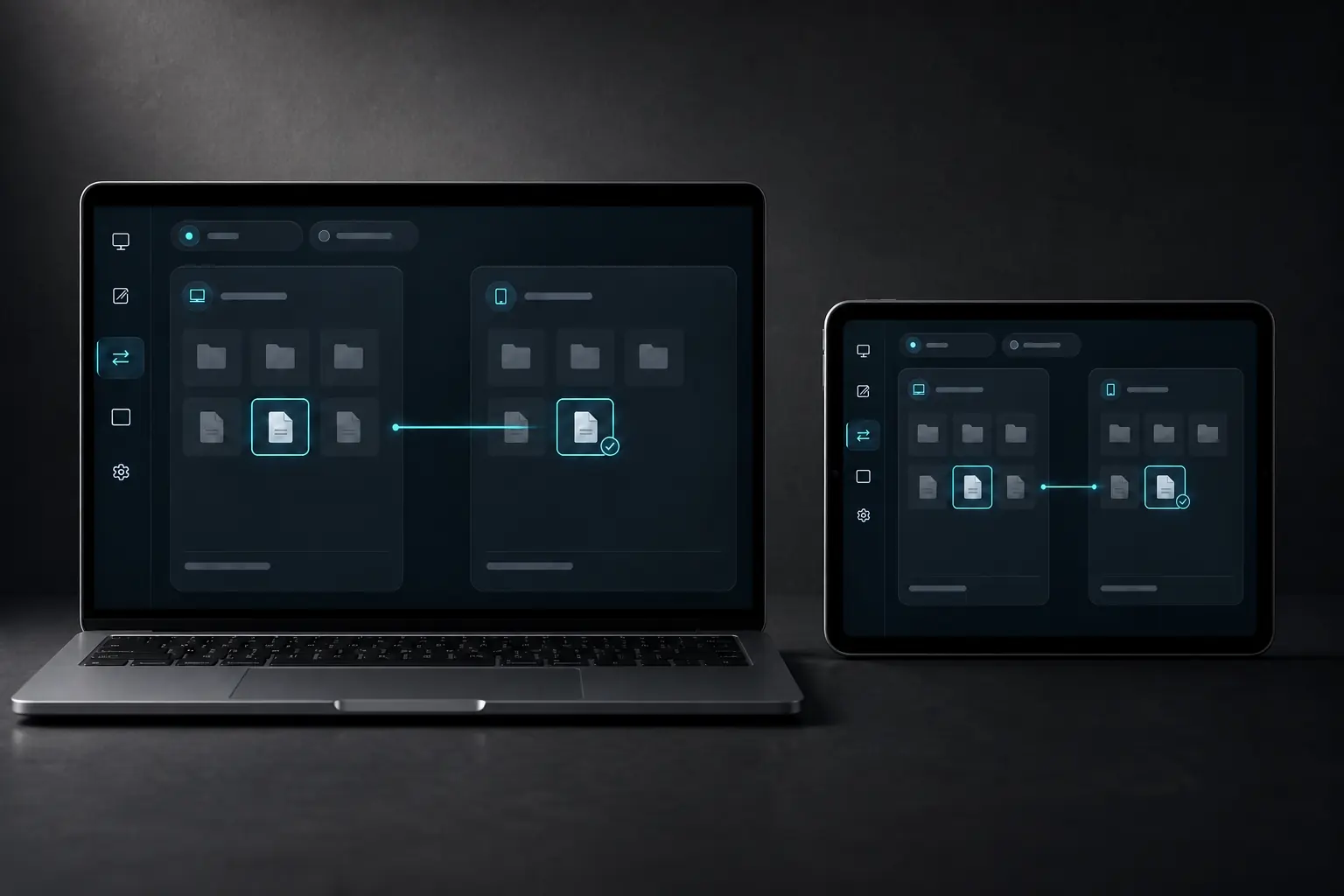
The Files lane copies selected documents or bounded folder trees through system pickers. On Windows you can also drop a file from Explorer into the visible transfer shelf; direct Explorer-to-Explorer drag is intentionally unsupported. Remote Files can expose a read-only, user-selected SAF/Windows export; each access still needs the Files grant and an authenticated session.
- Copy-only delivery validates paths, reparse points, names, size, disk space, per-chunk and final SHA-256 before atomic placement.
- Android sends and receives through user-selected SAF pickers; Android drag/drop is unsupported.
- Bounded clipboard is Unicode text only, never a background history or file lane. Sources are never deleted and received files never auto-open; unsupported targets are rejected.
Explore the capability ↗03 / STORY
One selected view, with no hidden audio path.
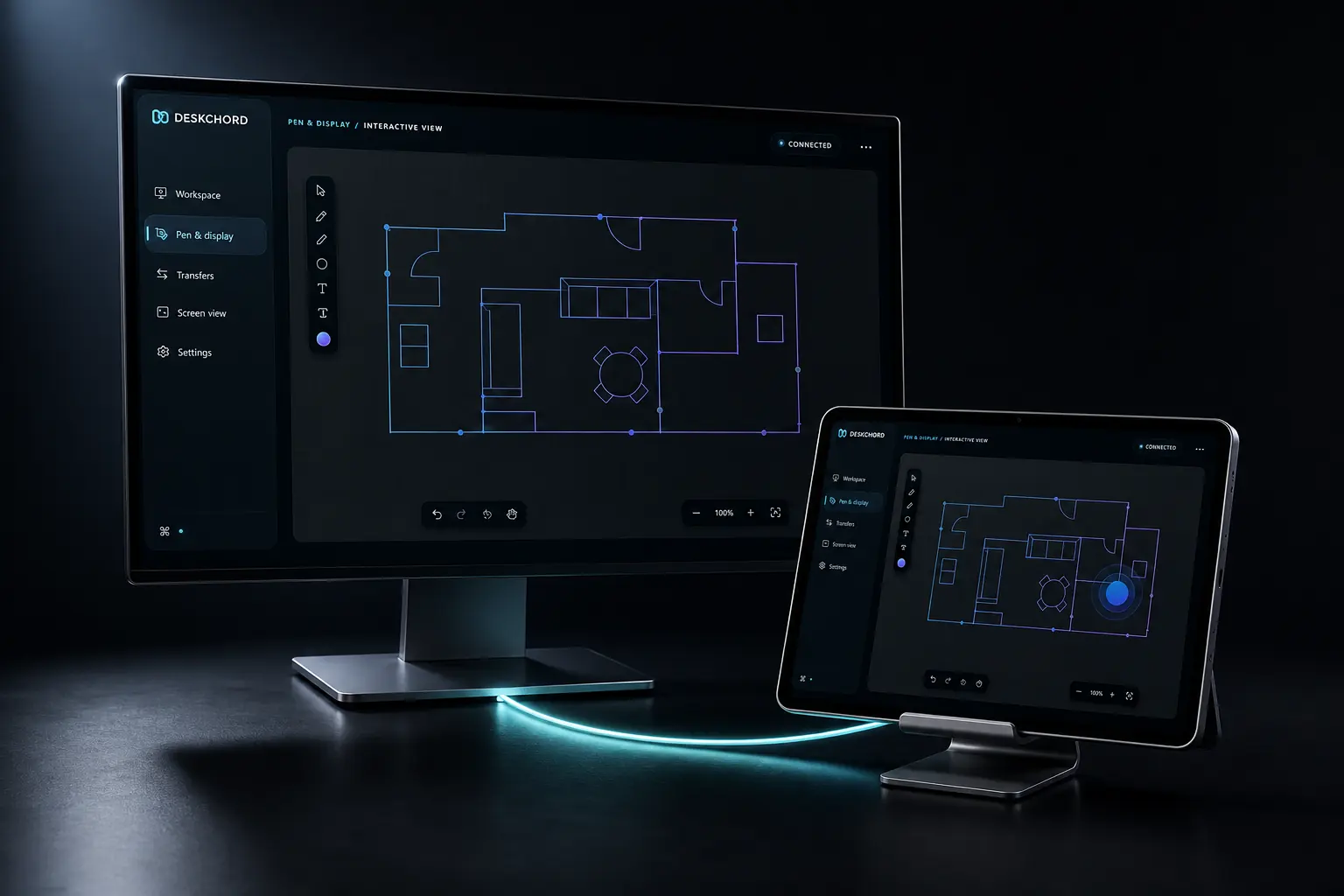
Interactive View captures a visible Windows app or existing display with the native graphics pipeline and presents it on Android. Enable touch for this session only when the peer has the Input grant; stylus remains a separate Pen Tablet path.
- Screen View is independent from Input; touch is a per-session opt-in gated by Input, while Pen Tablet uses the Stylus grant.
- The viewer sends no microphone, system audio or remote audio device.
- Wireless extended display is not available until a separately signed IDD is installed and validated.
Explore the capability ↗04 / STORY
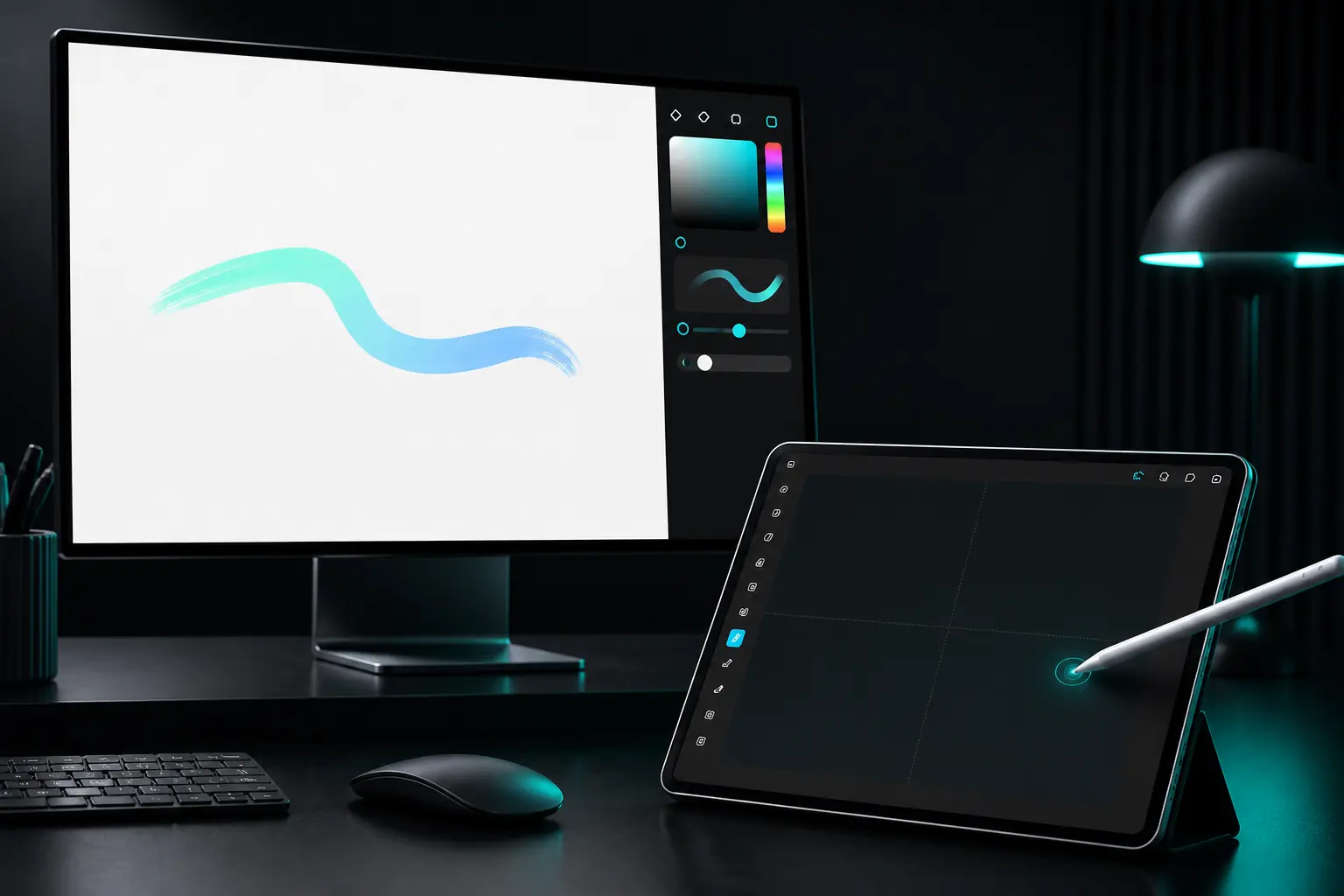
A tablet surface for the pen in your hand.
Pen Tablet maps a foreground Android stylus surface to a selected Windows work area. It carries pen and eraser events, not a video of the desktop, and does not need a display driver.
- Stylus permission and its receiver lease are independent from mouse, touch and screen view.
- The stylus lease lasts two minutes and is renewed at 90 seconds while the foreground route remains valid.
- The native path retains pen attributes; JavaScript is not a raw pressure or device bridge.
Explore the capability ↗