
SUPPORT
When a route stops, find the boundary.
DeskChord is deliberately explicit about where a capability can stop. Work through pairing, topology, grants and platform settings in order; every failure path returns control locally.
Direct private LAN path. Every capability starts denied.
- PLATFORM
- Windows 10/11 + Android 10+
- NETWORK
- Private LAN, no relay
- PERMISSIONS
- Denied by default
- ACCOUNT
- Purchases, licenses and recovery
01 / CHAPTER
Pairing verifies identity; discovery does not.
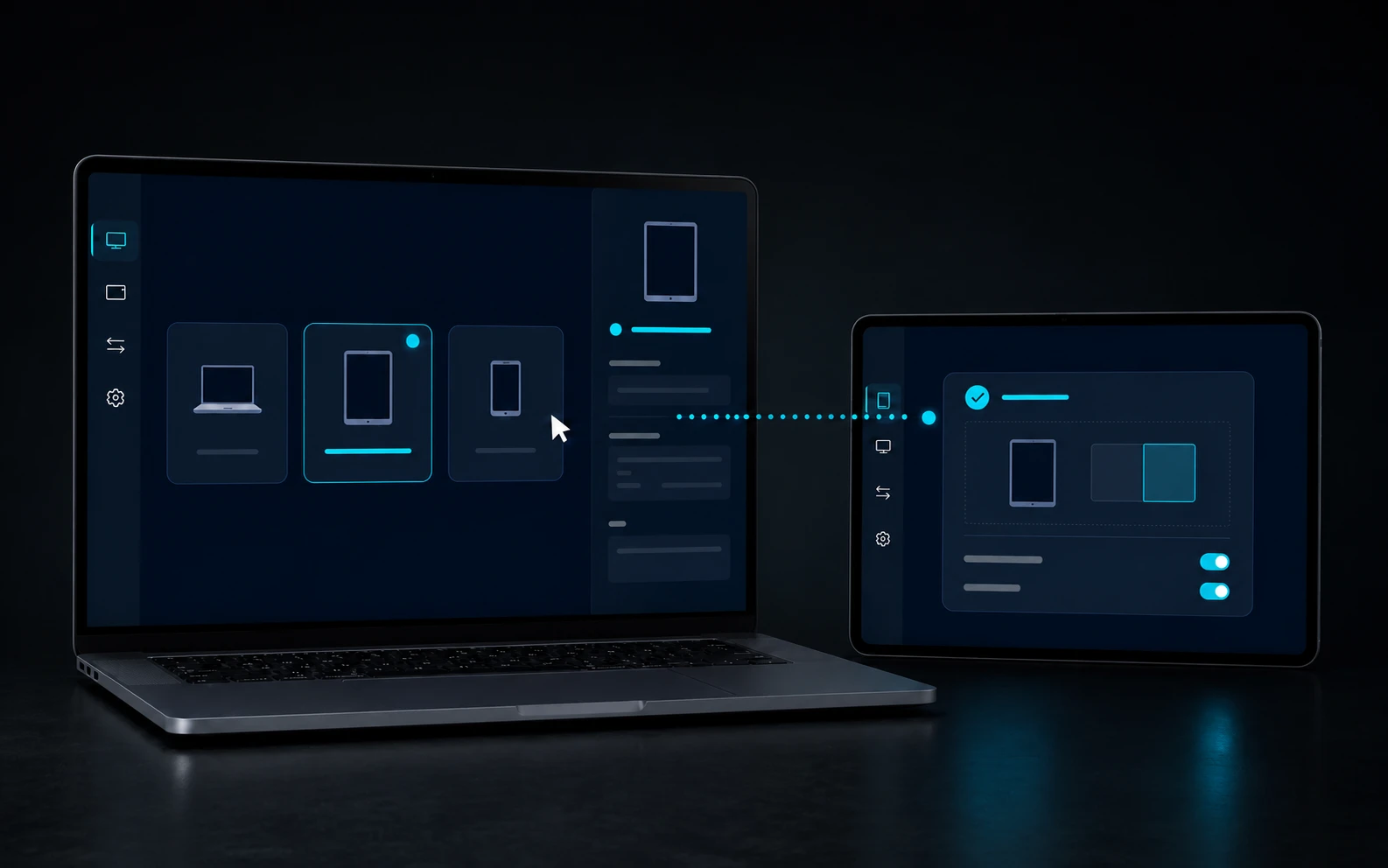
Put the devices on the same private LAN, confirm the same SAS code on both screens and check that peer discovery is not being filtered. Guest Wi-Fi isolation, VPN policy or segmented VLANs can prevent a direct route without indicating a product fault.
- Do not treat a discovered name as trust; pairing must still be confirmed on both devices.
- Keep the first test on one local network without guest isolation.
- If identity changed, remove the old pairing and create a new one instead of reusing trust.
02 / CHAPTER
Topology, Release All, and bounded input leases.
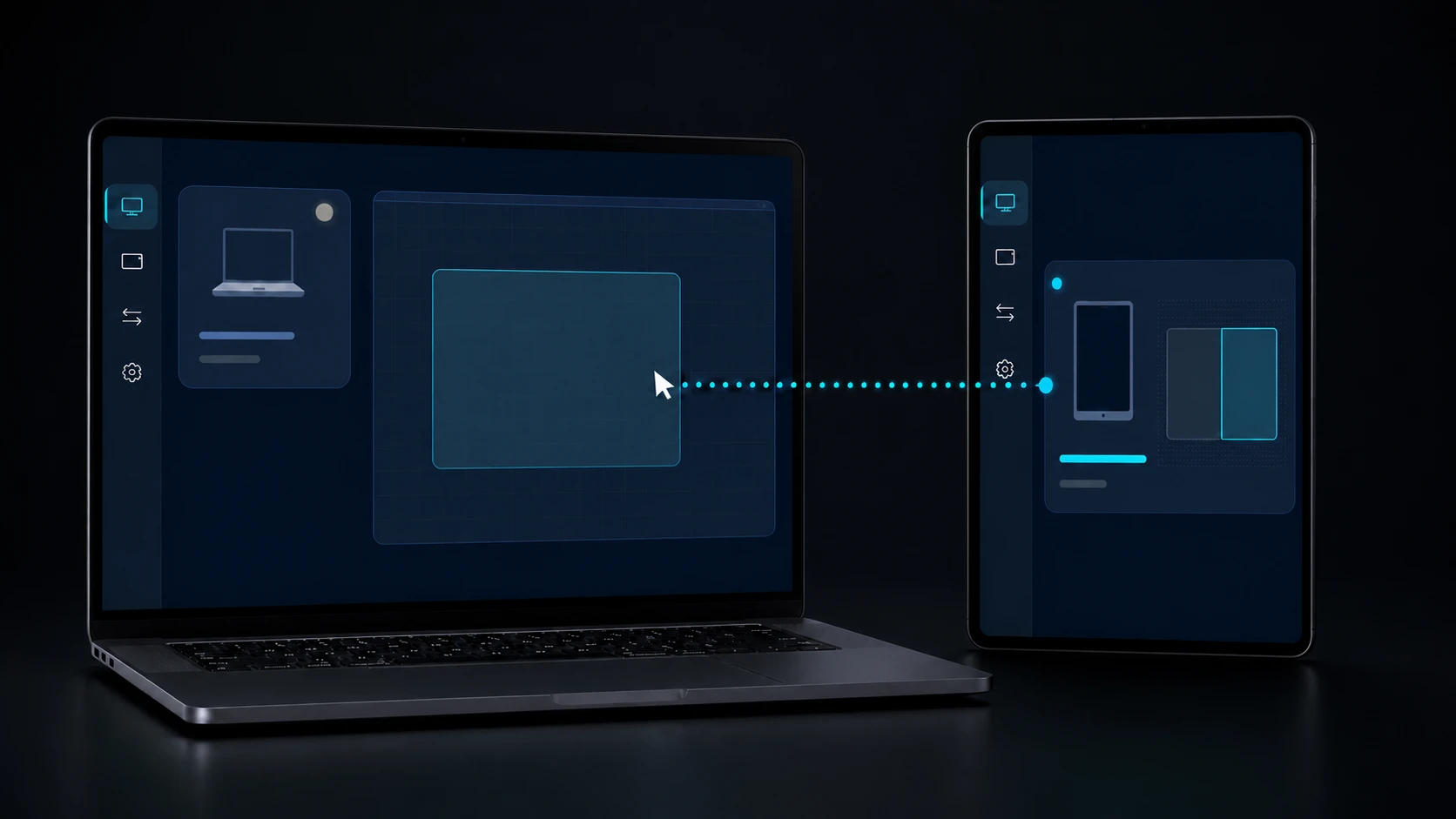
Cursor and keyboard routes follow the accepted desk topology with an exclusive 30-second Input lease. Pen Tablet uses a separate two-minute Stylus lease renewed at 90 seconds. Disconnect, timeout, generation mismatch or revoke releases the remote state.
- Move one edge at a time and confirm the owner revision before testing a handoff.
- Use Release All when you need every remote input and pen route to stop immediately.
- Late packets from an old generation are rejected instead of reviving a pressed key, button or stylus.
03 / CHAPTER
Android readiness is three visible checks.
For keyboard and bounded text, DeskChord IME must be enabled, selected and live. Pointer gestures need Accessibility. Pen Tablet needs the DeskChord pen surface in the foreground; power-management rules can still pause a route.
- Open Android input settings and verify DeskChord is both selected and producing live input.
- Re-check Accessibility after an OEM update or permission reset.
- Keep the pen surface foregrounded while drawing; a backgrounded surface must not retain authority.
04 / CHAPTER
View is selected source, not hidden capture.
Interactive View shows only a user-selected visible Windows app or existing display when the platform permits capture. It does not include microphone or system audio. Touch is a per-session opt-in gated by Input, while Pen Tablet uses the separate Stylus grant; protected content can refuse capture or interaction.
- Select the source again after changing monitors or moving an app to a different display.
- A protected video, secure app or denied system consent is an expected boundary, not a reason to bypass it.
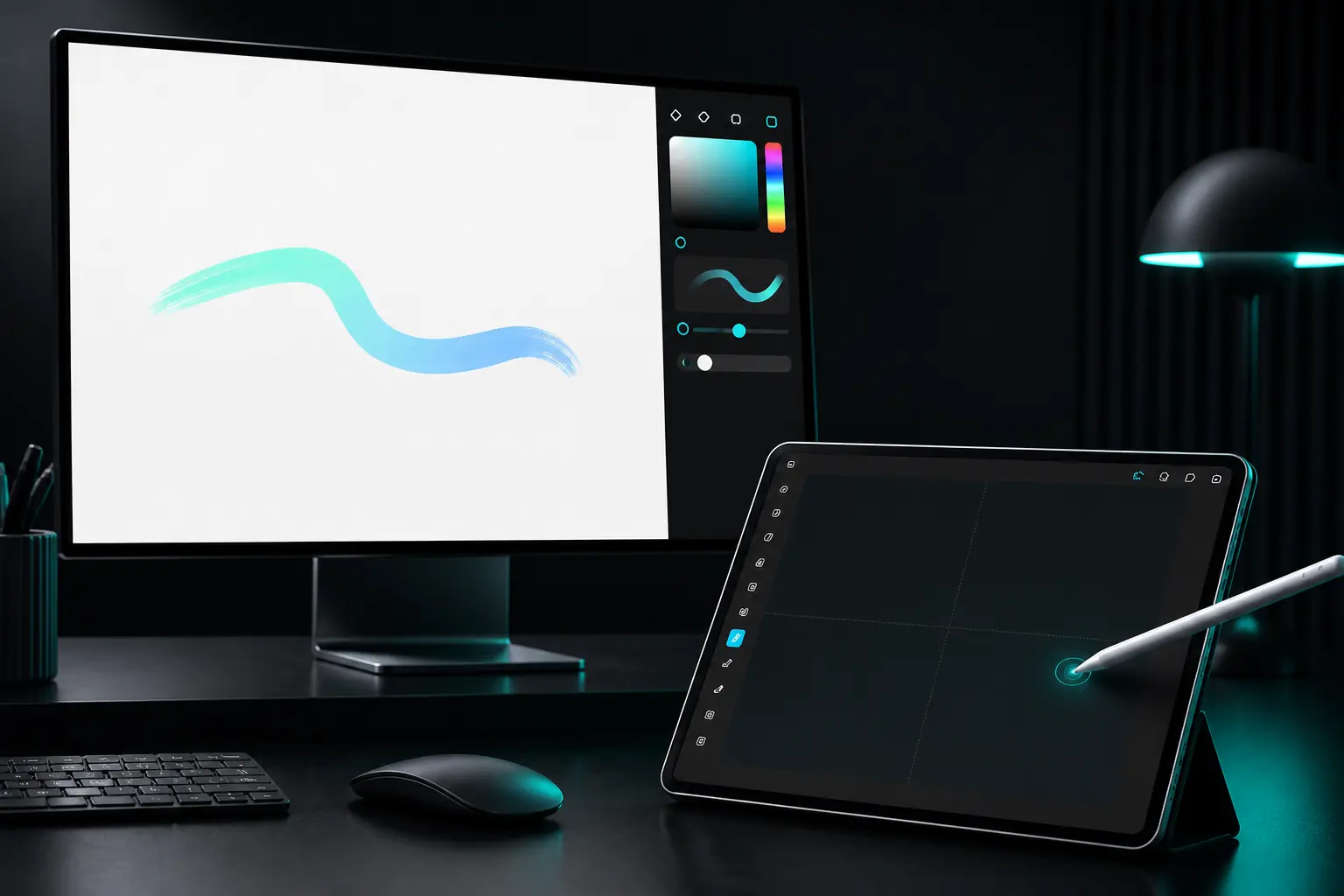
- Pen Tablet carries stylus events without desktop video and does not imply touch or virtual display.
05 / CHAPTER
Files, typed devices, and the emergency stop.
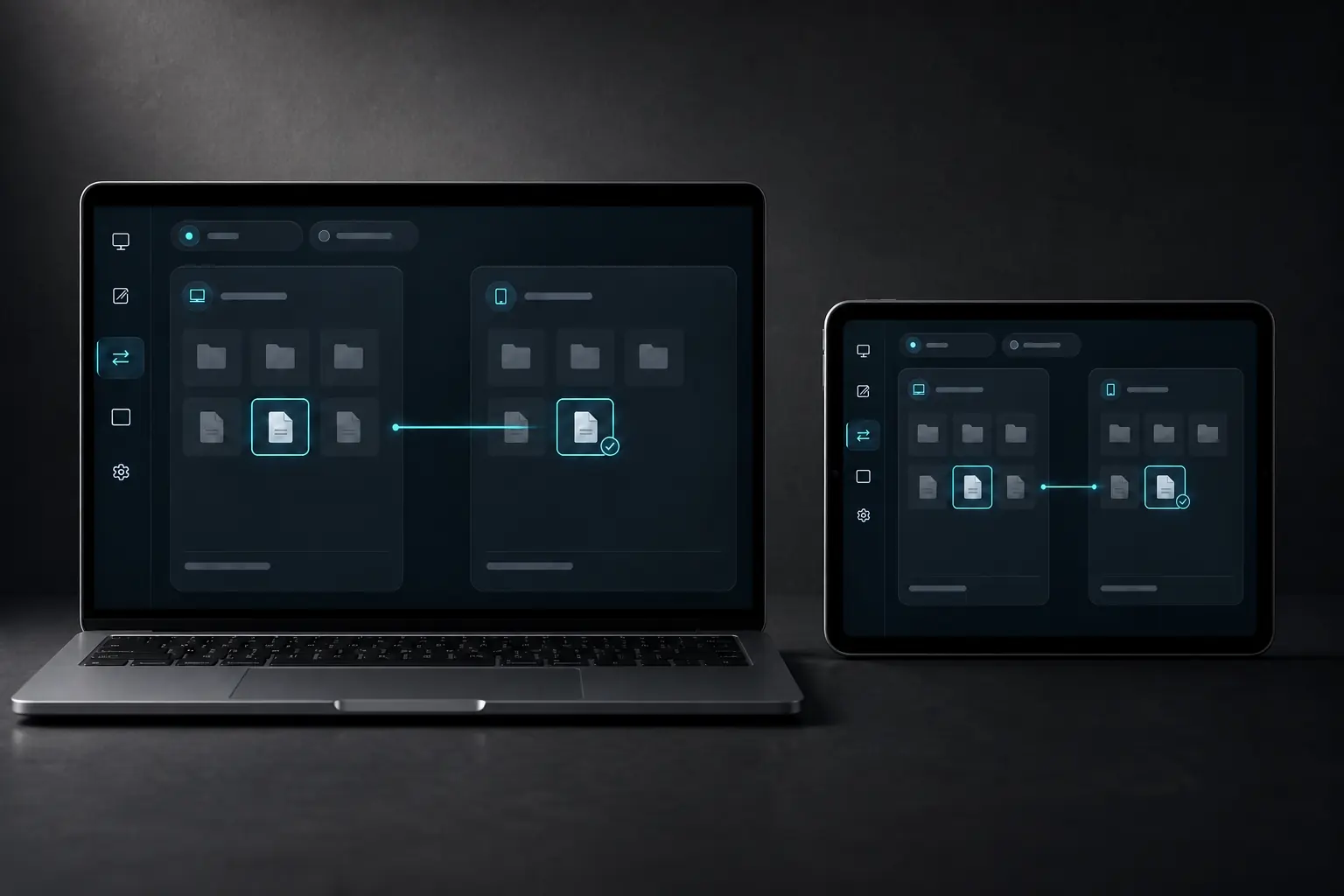
Files use a user-selected Windows path or Android SAF provider. The receiver validates path boundaries, size, available disk and per-chunk/final SHA-256 before atomic placement; Remote Files stays read-only. Typed terminal and serial profiles remain classified and expiring, with current-device validation still pending.
- Keep the source in place; received files never auto-open and unsupported paths are rejected.
- A provider permission loss closes Remote Files instead of substituting another root.
- Use Release All or revoke the individual grant for an emergency stop; reconnecting needs a fresh authenticated decision.
06 / CHAPTER
Contact a person when the boundary is unclear.
Write to support@deskchord.com for product support, account questions, complaints, privacy requests or a responsible security report. Include the DeskChord version, operating-system version, device type and the exact visible error without attaching unrelated personal files.
- Never send a password, recovery code, private key or full payment-card details.
- For a LAN problem, describe which two devices are involved and whether pairing, discovery or a specific grant failed; do not send private peer credentials.
- Call +48 71 707 24 55. If the DeskChord team is unavailable, leave a voicemail with your name, a safe callback number and a short description of the issue; never leave credentials or payment-card details.
FAQ
Clear answers before you install.
Why can paired devices still fail to discover each other?
Pairing and discovery are different steps. Guest Wi-Fi isolation, VPN policy, VLAN segmentation or a local firewall can block peer traffic even when the SAS identity check is correct.
What does Release All stop?
It revokes the active remote input and pen routes, clears the receiver lease state and rejects late packets. Reconnecting requires authentication and a fresh capability decision.
Why does Android show a keyboard but receive no text?
DeskChord IME must be enabled, selected and live. Re-select it after an update, and remember that clipboard text is separately granted from pointer input, screen view and files.
What if a transfer or typed terminal session fails?
For files, re-check the user-selected SAF/Windows path, available disk and SHA-256 result; the source is never deleted. Terminal and serial profiles are typed and expiring, and current physical-device validation is still pending, so revoke the grant and keep the local device usable.
DESKCHORD
One desk. Every device.
Start with the local path you already trust.