
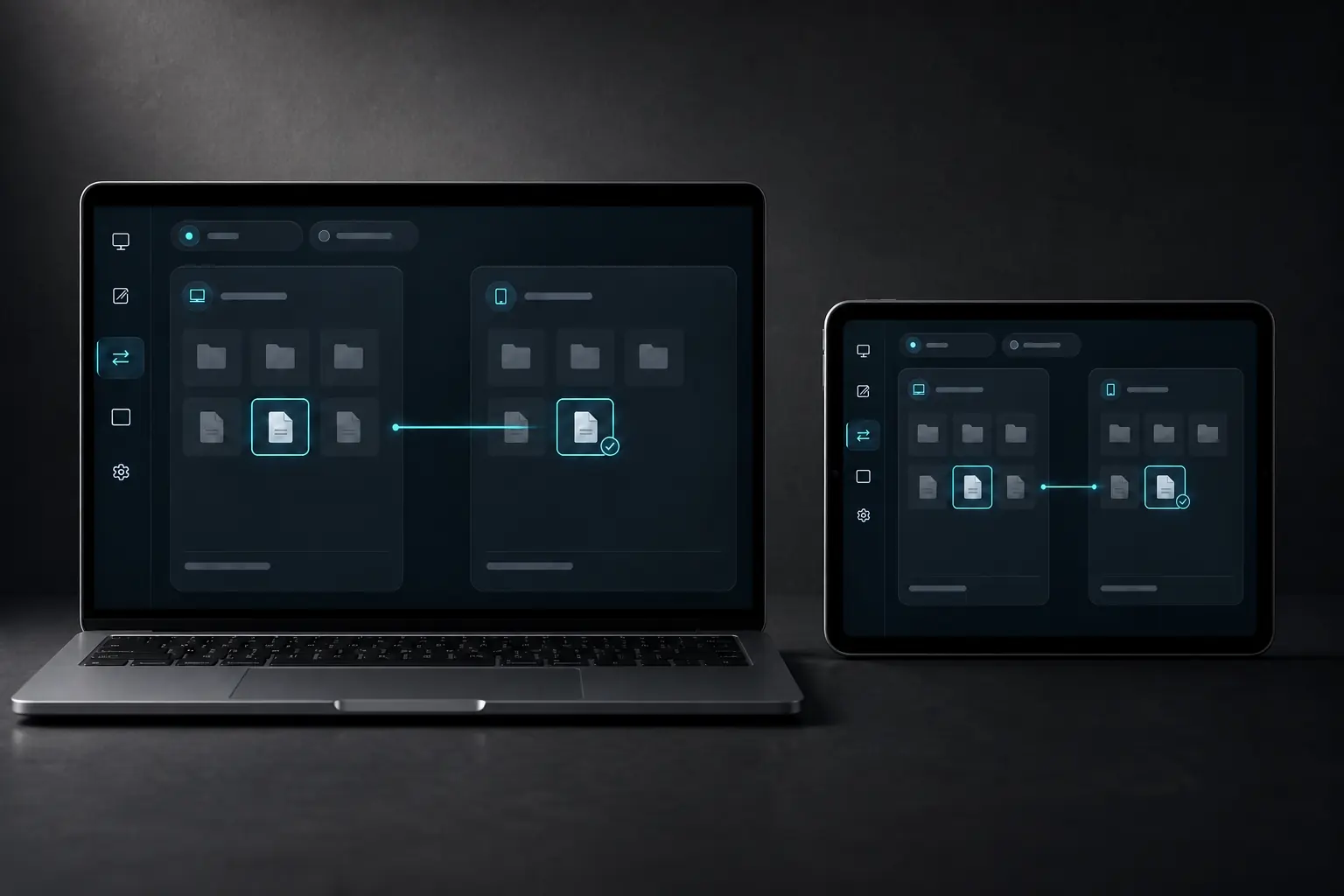
FILES CLIPBOARD
A copy has a clear beginning and end.
DeskChord separates files from clipboard and treats both as deliberate, bounded actions. The source stays where it is; the receiver only gets what you selected.
Direct private LAN path. Every capability starts denied.
- PLATFORM
- Windows 10/11 + Android 10+
- NETWORK
- Private LAN, no relay
- PERMISSIONS
- Denied by default
- ACCOUNT
- Purchases, licenses and recovery
01 / CHAPTER
Copy selected files, not a hidden sync.
Use the native picker or a visible transfer shelf, choose the destination and let the receiver materialise a new copy. The source is never a remote path or move operation.
- Windows rejects reparse points; Android uses user-selected SAF documents and folders.
- Folder trees are bounded and checked for cycles, unsafe names, collisions and quota.
- Remote Files exports are read-only until you explicitly publish a verified local copy.
02 / CHAPTER
Verify before placement.
Every copy validates the canonical path, size, free space, per-chunk digest and final SHA-256 before atomic no-replace placement. A failed check stops the transfer.
- The receiver never guesses a destination.
- A source is not deleted or altered by a successful copy.
- Received files are not opened automatically; the transfer row is the handoff point.
03 / CHAPTER
Bounded text, no history.
Clipboard is a separate grant for bounded Unicode text only. It is sent over the active authenticated session and exact grant generation, never read from a WebView or exported from a previous runtime.
- Android clipboard participation depends on the user-selected DeskChord IME.
- Oversize, revoked, stale or disconnected values are dropped.
- Rich formats, images, files and clipboard history remain outside this lane.
04 / CHAPTER
Remote Files stays read-only and local.
A user-selected Windows export catalog or Android SAF tree can be browsed with bounded pages and opaque session handles. Every access still needs the Files grant and direct-LAN authentication.
- Remote browsing does not expose raw paths to the peer.
- Removal of an export removes that exact root without revoking unrelated capabilities.
- Provider permission loss fails closed; it never silently substitutes another source.
05 / CHAPTER
Know the limit before sending.
The Free plan accepts copies up to 100 MiB per file. Larger copy workflows and Remote Files are part of the Pro scope, subject to service and release availability.
- The web page cannot grant an entitlement or claim a live payment provider.
- Keep unrelated capabilities denied while testing a transfer.
- No cloud bucket, relay or third-party file account is part of the local lane.
FAQ
Clear answers before you install.
Does DeskChord synchronise a folder?
No. It performs selected, copy-only transfers. The original stays in place, and Remote Files exposes only a user-selected read-only export under the Files grant.
What is checked before a file appears?
The canonical path, safe names and reparse state, size, quota, free space, each chunk digest and final SHA-256. A failed check prevents placement.
Can clipboard send images or history?
No. The contract is bounded Unicode text only, with a separate grant and session generation. Rich formats, files, images and history are outside this lane.
Will a received file open automatically?
Never. DeskChord materialises and verifies the copy, then leaves the final open action to the user and operating system.
DESKCHORD
One desk. Every device.
Start with the local path you already trust.