
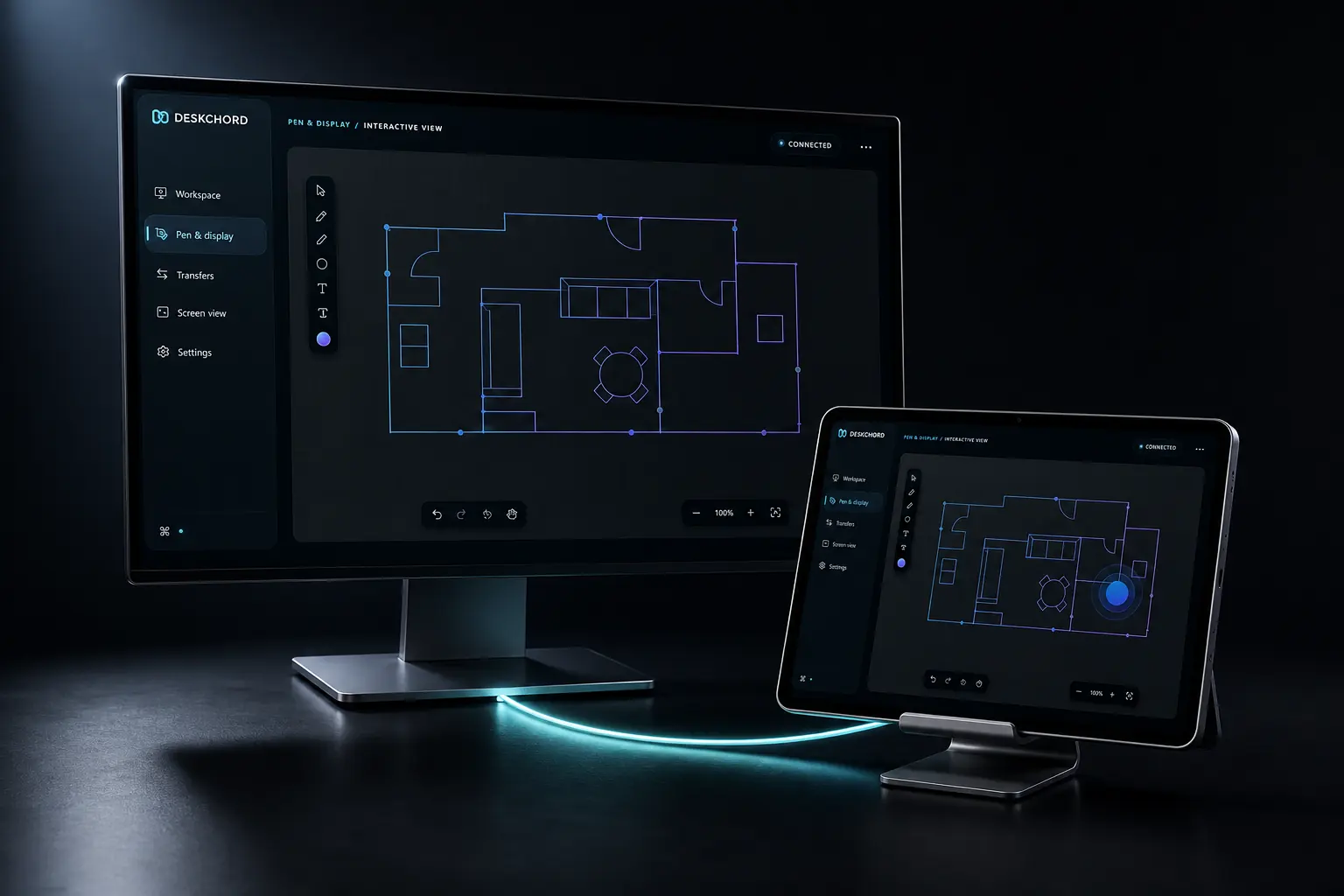
INTERACTIVE VIEW
Bring one Windows view with you.
Choose the source on Windows, open its native low-latency view on Android and decide whether touch should return for this session. Watching never silently becomes control.
Direct private LAN path. Every capability starts denied.
- PLATFORM
- Windows 10/11 + Android 10+
- NETWORK
- Private LAN, no relay
- PERMISSIONS
- Denied by default
- ACCOUNT
- Purchases, licenses and recovery
01 / CHAPTER
Select a source you recognise.
Choose a visible app or an existing Windows display. Native Graphics Capture and H.264 handle the video path; protected or untrusted sources may be rejected before capture.
- The selected source and frame generation are visible to the viewer.
- Whole-desktop sharing is not assumed by a screen-view grant.
- A pinned authenticated LAN session carries bounded latest-frame data.
02 / CHAPTER
Latency over obsolete frames.
The native pipeline sends bounded latest frames, recovery keyframes and receiver/deadline-driven bitrate changes. It prefers a current frame over a backlog of old pixels.
- Current source size and orientation are retained by the native viewer.
- Quality and resilience are implemented, but the complete current-device soak matrix remains open.
- The web page is a product explanation, not a live peer preview.
03 / CHAPTER
Return touch only when useful.
Screen View remains independent from Input. Touch return is a per-session opt-in bound to the active source, transform, session and frame generation, and it is available only when the peer's Input grant is present. Pen Tablet remains the separate Stylus route.
- The viewer does not open a shell or generic command endpoint.
- Secure Android apps and protected Windows content can refuse input.
- Stopping the view or revoking Input ends the touch route locally.
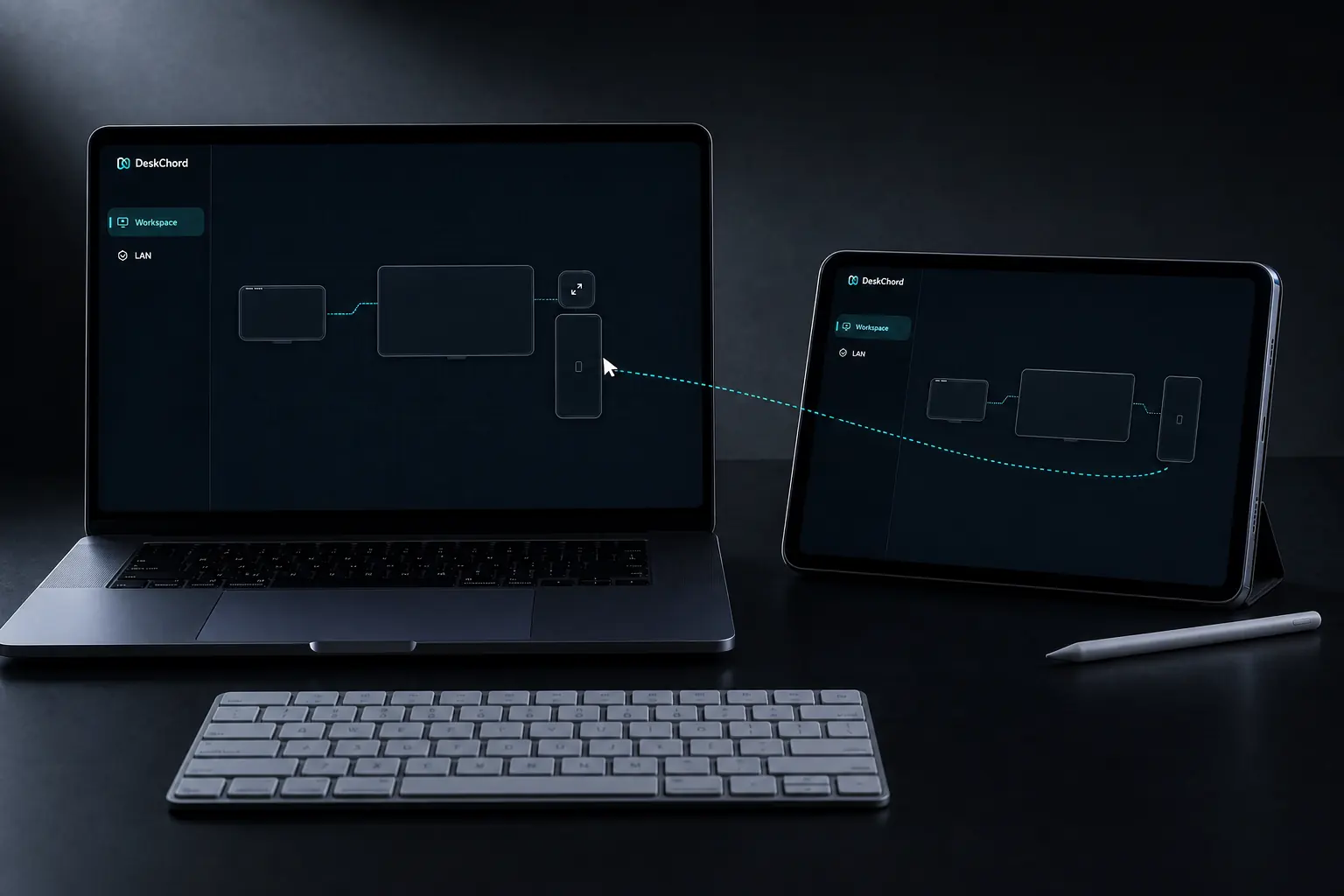
04 / CHAPTER
Video only. No audio lane.
Interactive View transports pixels and optional input, not microphone, system audio or remote playback. Wireless extended display is a different capability and remains unavailable until signed IDD validation.
- A virtual display never inherits screen-view permission.
- Android does not create an audio player for the stream.
- Keep screen view and input decisions visible to the person using the device.
FAQ
Clear answers before you install.
Can I watch an app without exposing the whole desktop?
Yes. Select a concrete visible application or existing display. The viewer labels the source and does not assume a whole-desktop grant.
Does the view include sound?
No. DeskChord's view is video with optional touch for the current session after the Input grant is present. Pen Tablet is the separate Stylus route; DeskChord does not capture microphone/system audio or provide remote playback.
Why can a protected app refuse the view?
Windows Graphics Capture and application policy can reject protected or untrusted content. DeskChord reports that boundary instead of bypassing it.
Is Interactive View an extended monitor?
No. It uses an existing source. Wireless extended display requires a separately signed and installed IDD and is currently unavailable.
DESKCHORD
One desk. Every device.
Start with the local path you already trust.