PEN TABLET
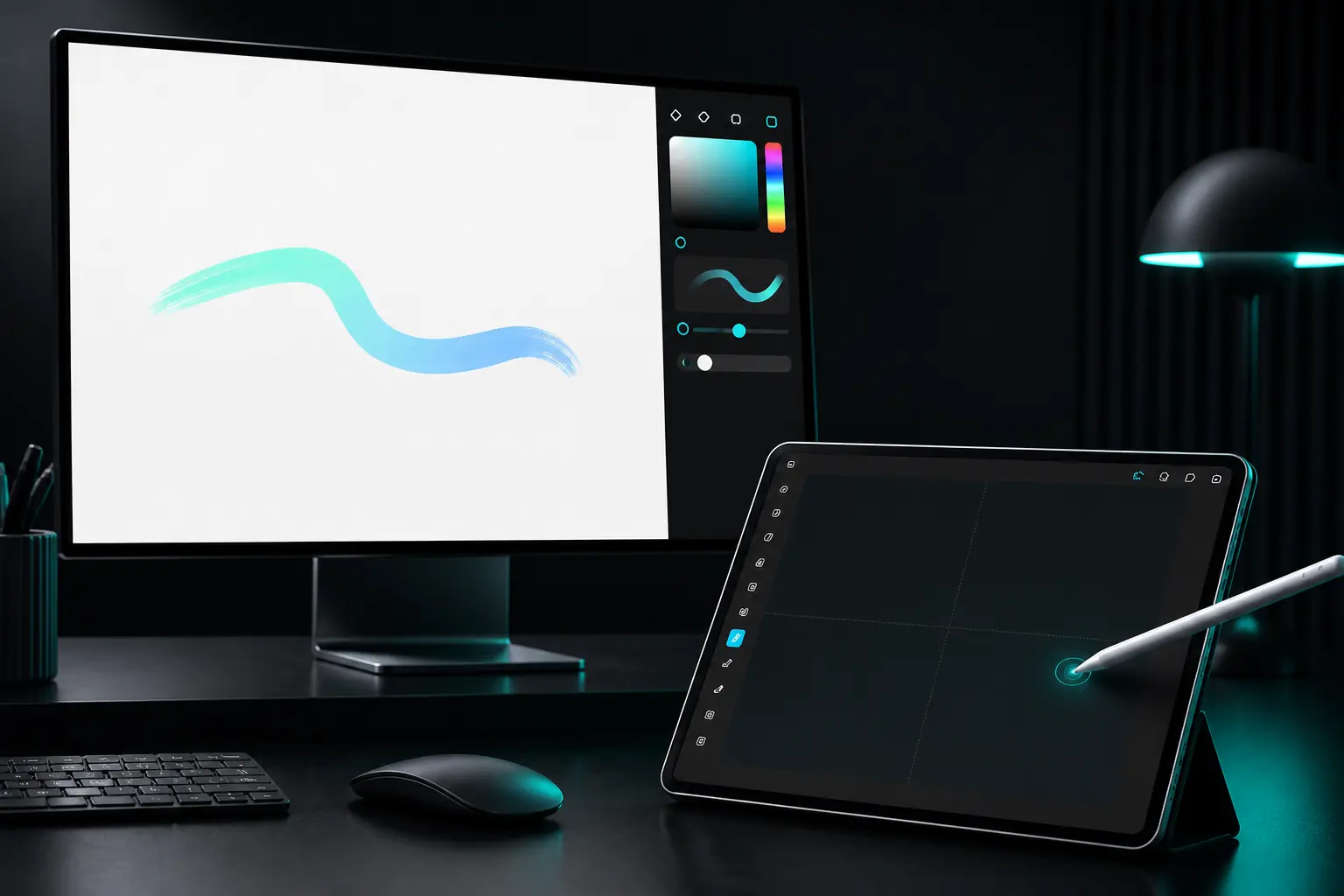
The tablet becomes a pen surface.
Keep the Windows canvas on the main monitor and use the tablet for the pen work. It is a focused, foreground input route — not a mirrored or extended display.
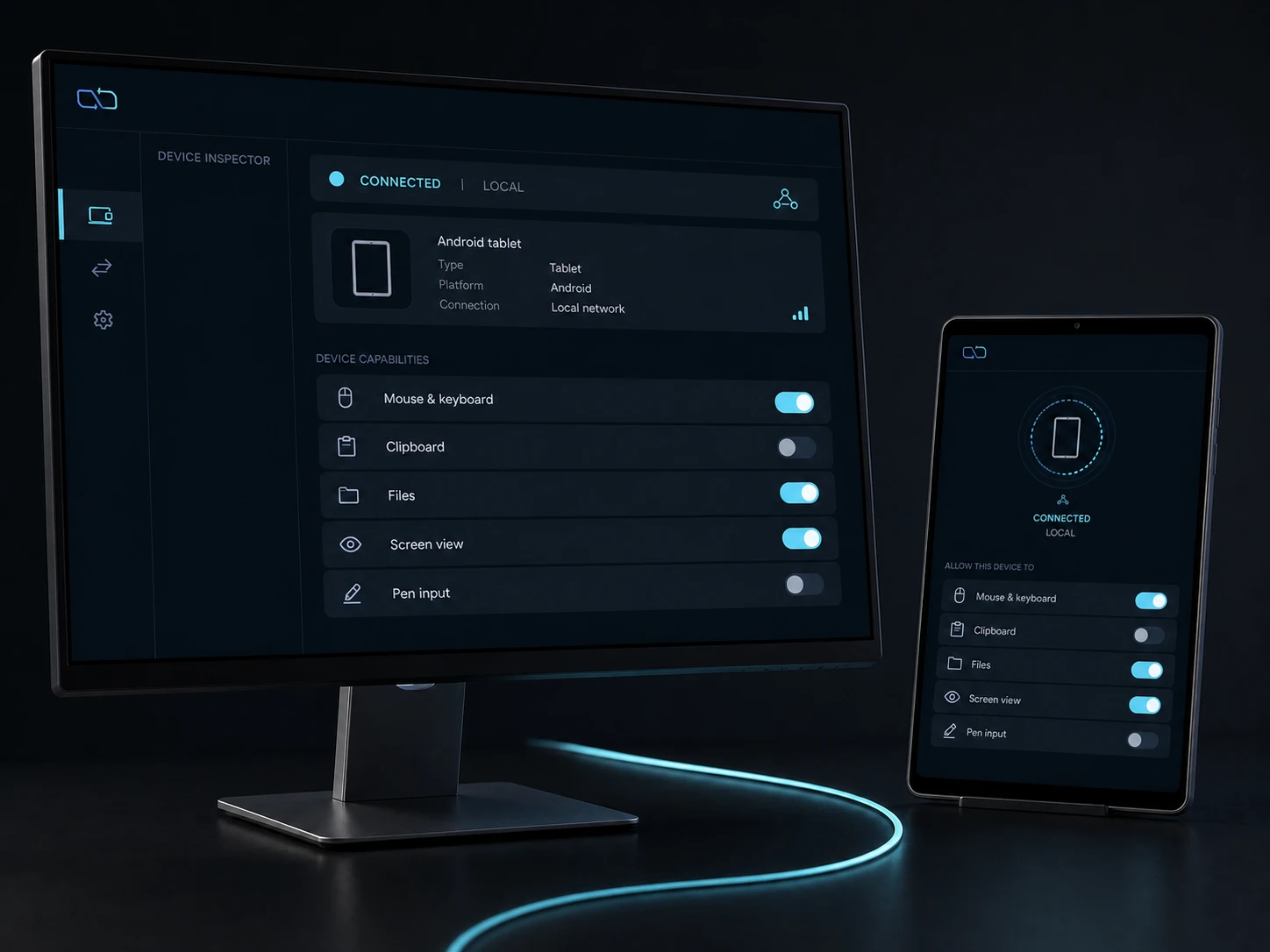
Direct private LAN path. Every capability starts denied.
- PLATFORM
- Windows 10/11 + Android 10+
- NETWORK
- Private LAN, no relay
- PERMISSIONS
- Denied by default
- ACCOUNT
- Purchases, licenses and recovery
01 / CHAPTER
Map the pen to the work area.
Select a Windows work area and an Android tablet surface. The native bridge carries stylus and eraser transitions to the current-user Windows pen sink; no desktop pixels are required.
- Use a supported stylus and keep DeskChord in the foreground.
- The route can be calibrated around orientation and selected bounds.
- Screen view is separate; Interactive View touch is a per-session option gated by Input.
02 / CHAPTER
Keep pen semantics intact.
Pen input is not reduced to a mouse click. The native path handles the supported pen/eraser event model while JavaScript remains outside raw hardware telemetry.
- Stylus permission is independent from input, clipboard and files.
- A sink-issued lease fences late packets from an old session.
- Device-specific pressure, tilt and button behavior still need current-device validation.
03 / CHAPTER
A visible grant, a visible stop.
Android asks for the system permission and the user confirms it. Revoke Stylus, close the foreground surface, disconnect or let its two-minute receiver lease expire; the controller renews that lease at 90 seconds while the route remains valid.
- Pairing alone never enables pen input.
- Revocation survives restart and does not grant screen view.
- Windows stays in the signed-in user's session; no elevation or secure-desktop path is introduced.
04 / CHAPTER
A calm surface for drawing and markup.
Use diagrams, annotations and retouching while the document remains visible on the Windows display. Start with a blank, non-sensitive canvas and verify the mapping before adding another grant.
- Keep the tablet within sight and the source document unchanged until the stroke is confirmed.
- Rotate and recalibrate when the device orientation changes.
- Wireless extended display is not required and is currently unavailable.
FAQ
Clear answers before you install.
Does Pen Tablet stream the Windows screen?
No. It sends stylus and eraser input to a selected Windows work area. Screen view is a separate video capability with its own grant and no audio path.
Can I use a finger instead of a supported stylus?
Pen Tablet is defined for a supported stylus. Finger touch is not a pen fallback; Interactive View can opt into touch for the current session only when the peer's Input grant is present.
What happens if the Android app goes to the background?
Foreground capture ends and the stylus route is released. A new session must be started after DeskChord is visible again.
Is full pressure/tilt compatibility already proven?
The native source keeps the supported pen event model, but current-device pressure, tilt, eraser, button, rotation and reconnect acceptance is still pending.
DESKCHORD
One desk. Every device.
Start with the local path you already trust.