
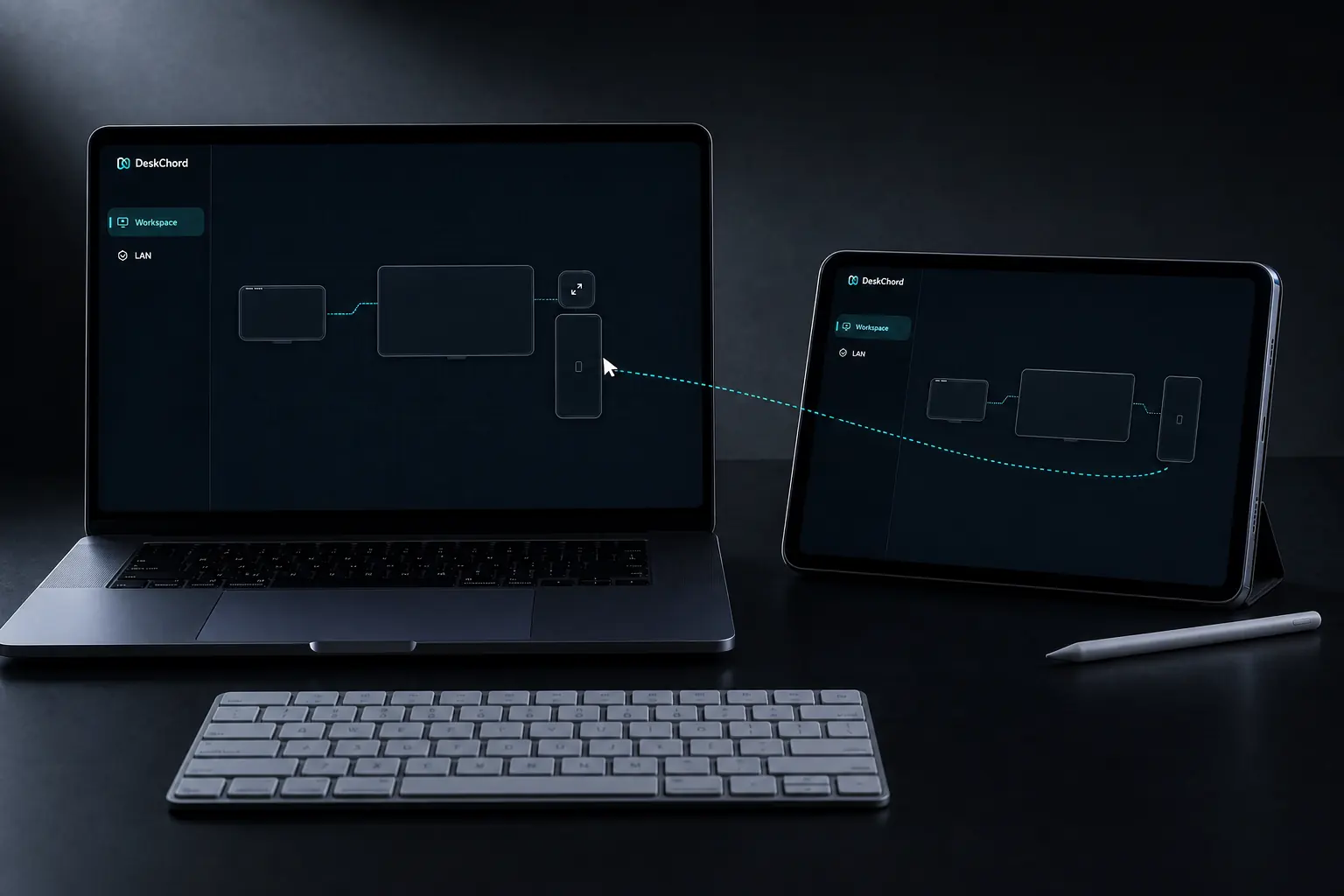
SHARE MOUSE KEYBOARD WINDOWS ANDROID
Move the cursor across Windows and Android.
Use the edge of the real desk as the handoff point. This guide takes you from a paired identity to one visible input route, then shows exactly how to stop it.
Direct private LAN path. Every capability starts denied.
- PLATFORM
- Windows 10/11 + Android 10+
- NETWORK
- Private LAN, no relay
- PERMISSIONS
- Denied by default
- ACCOUNT
- Purchases, licenses and recovery
01 / CHAPTER
01 / Prepare both devices.
Put the Windows computer and Android device on the same trusted LAN. Open DeskChord on both, compare the displayed SAS code, and accept the peer only when the codes match. Pairing establishes the pinned LAN identity; it does not grant input.
- Keep the Windows session unlocked and signed in. UAC, the lock screen and the secure desktop are outside the current-user boundary.
- Leave Input denied until the layout is correct. Clipboard, files, view, stylus, terminal and Remote Devices remain separate grants.
- On Android, prepare the DeskChord IME for text and the requested Accessibility permission for pointer/keyboard routing; Android will not silently enable either one.
02 / CHAPTER
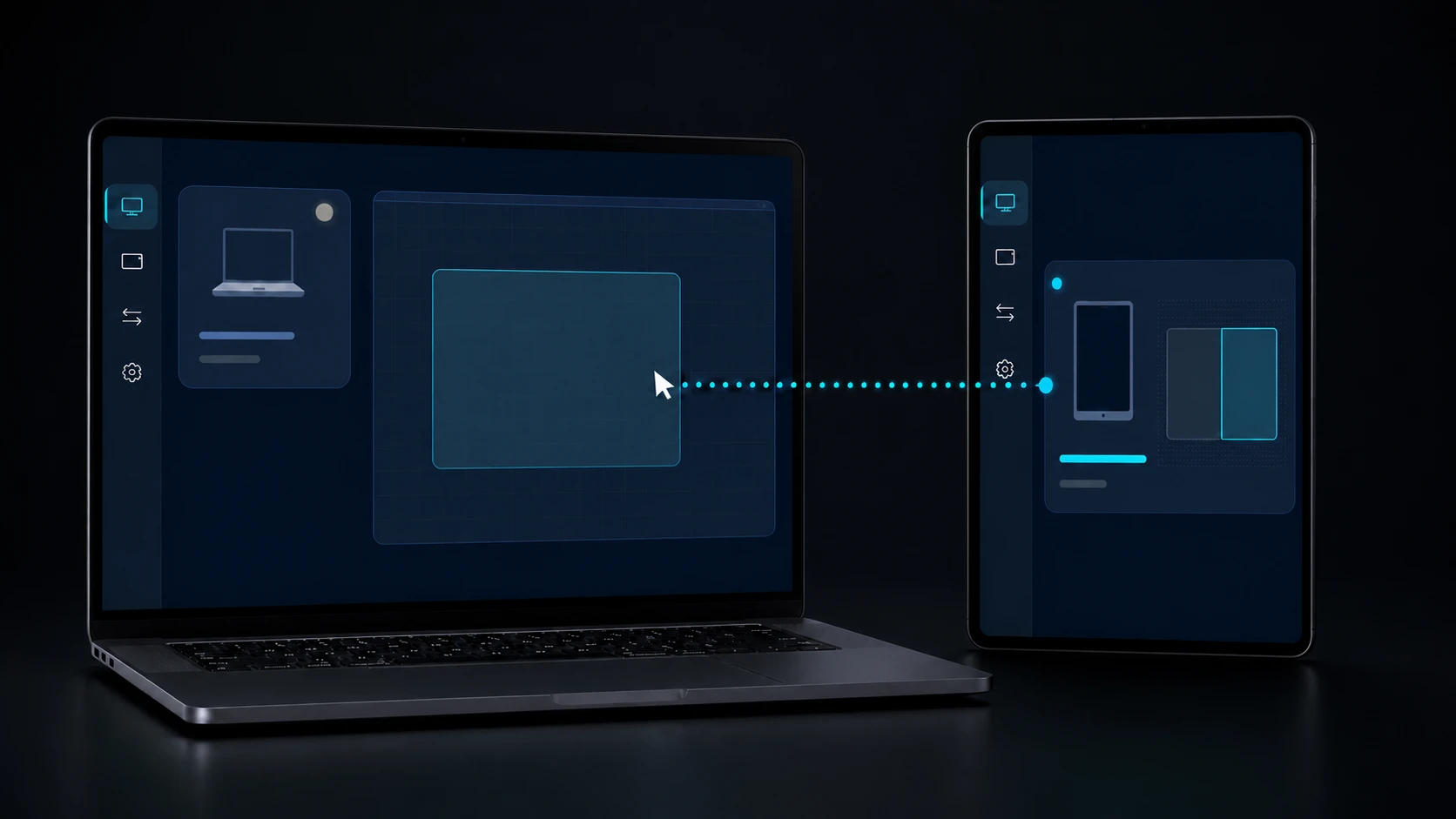
02 / Draw one unambiguous edge.
Open the workspace topology and place the Android rectangle beside the real Windows monitor edge where the cursor should leave. Confirm the monitor identity, geometry, DPI and rotation, then publish one complete monotonic topology revision. Do not enable two competing edges.
- The edge is a physical relationship, not an IP address or a cloud route. An incomplete or ambiguous edge is rejected rather than guessed.
- Grant Input on the receiver, then request the input route from the controller. Confirm the peer name and the exact edge before moving the pointer.
- For text on Android, select DeskChord as the active IME. Accessibility can remain off until the pointer route asks for it; the two Android settings have distinct purposes.
03 / CHAPTER
03 / Verify the visible handoff.
Move the pointer slowly through the published edge. The Android surface should show the pointer entering from the named side, while the Windows app shows the local pointer leaving. Type a short, disposable sentence only after the IME state is visible.
- The session status shows the paired peer, the Input grant and an active receiver lease. The lease is exclusive and lasts up to 30 seconds before renewal.
- The Android IME indicator confirms where text will be committed; Accessibility status confirms the pointer path separately.
- Press Release or use release-all after the check. The pointer returns locally and any pressed state is cleared before another handoff can start.
04 / CHAPTER
04 / Revoke on purpose.
When the task ends, revoke Input and use release-all. A lease timeout, network loss, SAS identity mismatch, topology revision mismatch or peer disconnect must produce the same result: no remote input and local control restored.
- If the cursor refuses the edge, stop and correct the topology; never compensate by granting a second edge or another capability.
- If Android IME or Accessibility is unavailable, text or pointer input stays denied. The app does not fall back to finger gestures, hidden clipboard reads or a generic accessibility bridge.
- If Windows shows UAC, the lock screen or a secure desktop, work locally. DeskChord intentionally does not cross those integrity boundaries.
FAQ
Clear answers before you install.
Does pairing give Android keyboard control?
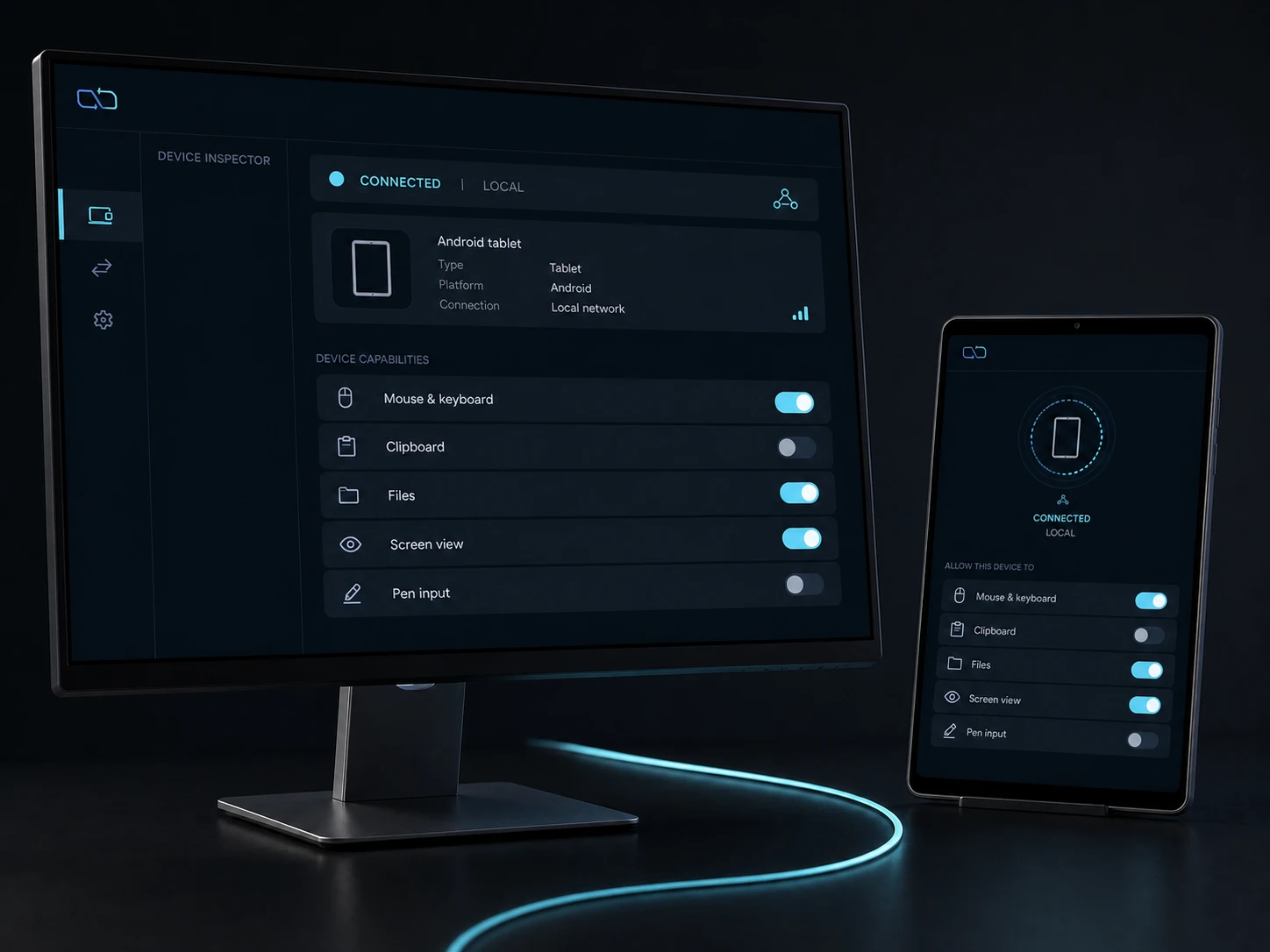
No. SAS and pinned LAN identity only identify the peer. Input is denied until you grant it, and Android text still needs the user-selected DeskChord IME.
Why does the cursor stop at an edge?
DeskChord accepts only a complete topology revision with one unambiguous physical edge. Check monitor identity, geometry, DPI and rotation before granting another route.
What should I do when the 30-second lease expires?
Use release-all, confirm local control, and request a fresh Input lease. A timeout is a safety boundary; it never revives a stale peer or pressed key state.
DESKCHORD
One desk. Every device.
Start with the local path you already trust.