
PRICING
Start with the LAN. Add reach later.
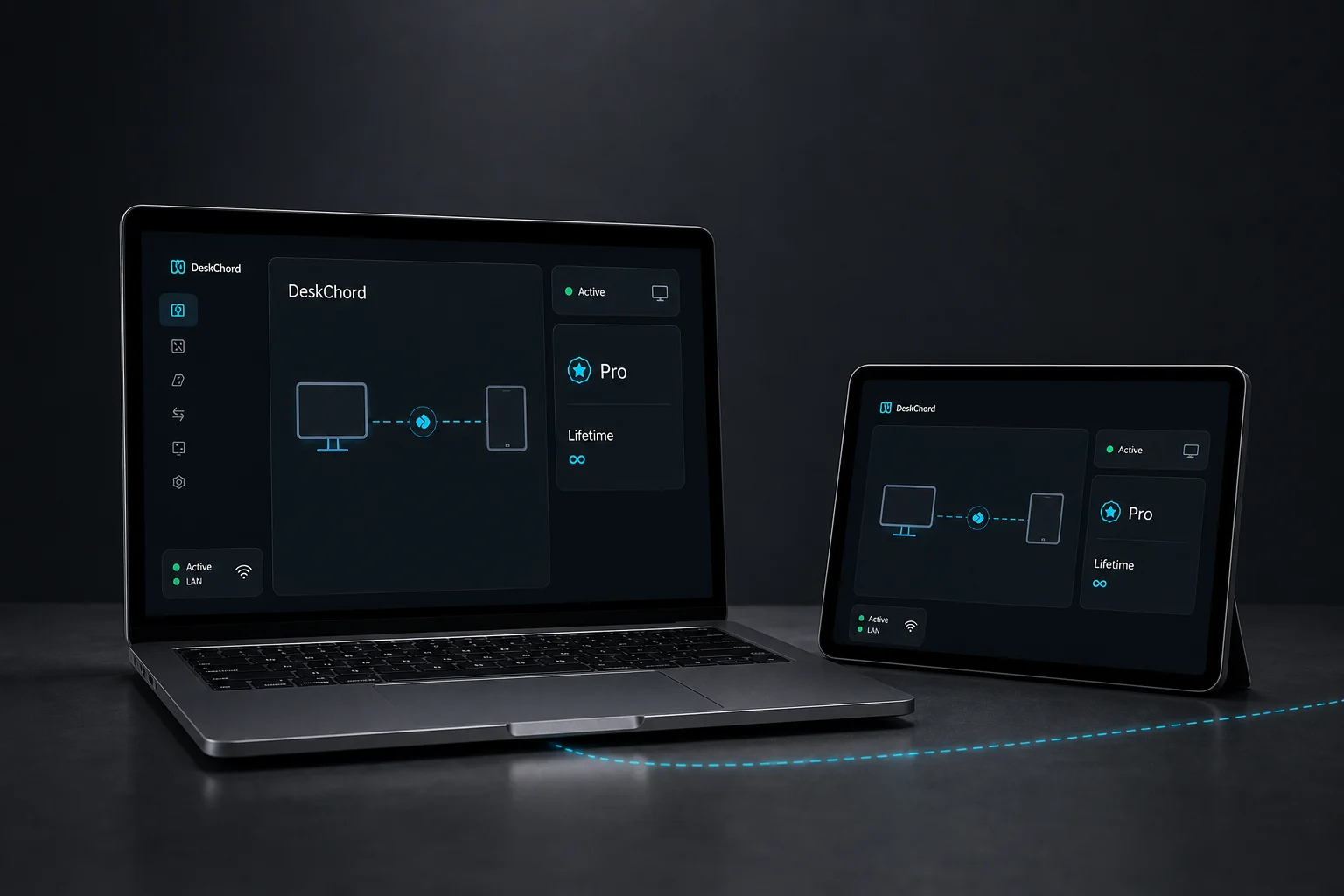
The Free baseline covers a small local desk. Pro expands the same private-LAN product with more room for copies, views and typed device sessions. Availability is checked before checkout and the displayed total is authoritative.
Direct private LAN path. Every capability starts denied.
- PLATFORM
- Windows 10/11 + Android 10+
- NETWORK
- Private LAN, no relay
- PERMISSIONS
- Denied by default
- ACCOUNT
- Purchases, licenses and recovery
LIFETIME LICENSE
A lifetime licence with provider choice.
One payment, no subscription. The price, licence scope and provider choice are shown before you continue.
- The signed EntitlementProfile controls the paired-device limit when one is declared
- Independent permissions stay independent
- Your payment details stay on the provider's hosted page
01 / CHAPTER
Free gives you the first local desk.
Free is designed for a small, direct-LAN setup with up to two devices. It includes bounded transfers up to 100 MiB per file, a selected view up to 1280×720 at 30 fps and basic pen support.
- Up to 2 devices in the local workspace.
- Up to 100 MiB per file for copy-only transfers.
- Interactive View up to 1280×720 at 30 fps.
- Basic Pen Tablet support for a supported foreground stylus.
02 / CHAPTER
Pro leaves more room for the workflow.
Pro is a lifetime scope whose paired-device limit comes from the signed EntitlementProfile seat policy. Larger copy limits, Remote Files, and higher-quality or multi-monitor view are available only where the target build and current-device acceptance support them; typed terminal and Remote Devices profiles remain subject to device validation.
- The signed profile's max_paired_devices value controls the device limit; no fixed seat count is promised here.
- Larger copy workflows and Remote Files are source-supported, but current-device acceptance is still pending; when enabled, they remain copy-only and user-selected.
- Higher-quality and multi-monitor view paths are available only where the target build and current-device acceptance support them; current acceptance remains pending.
- Typed terminal and Remote Devices profiles, subject to device validation.
03 / CHAPTER
One display gate stays visible.
Wireless extended display is not part of the Free baseline or a silent Pro promise. It remains unavailable until a separately signed IDD is installed, attested and validated on the target Windows machine.
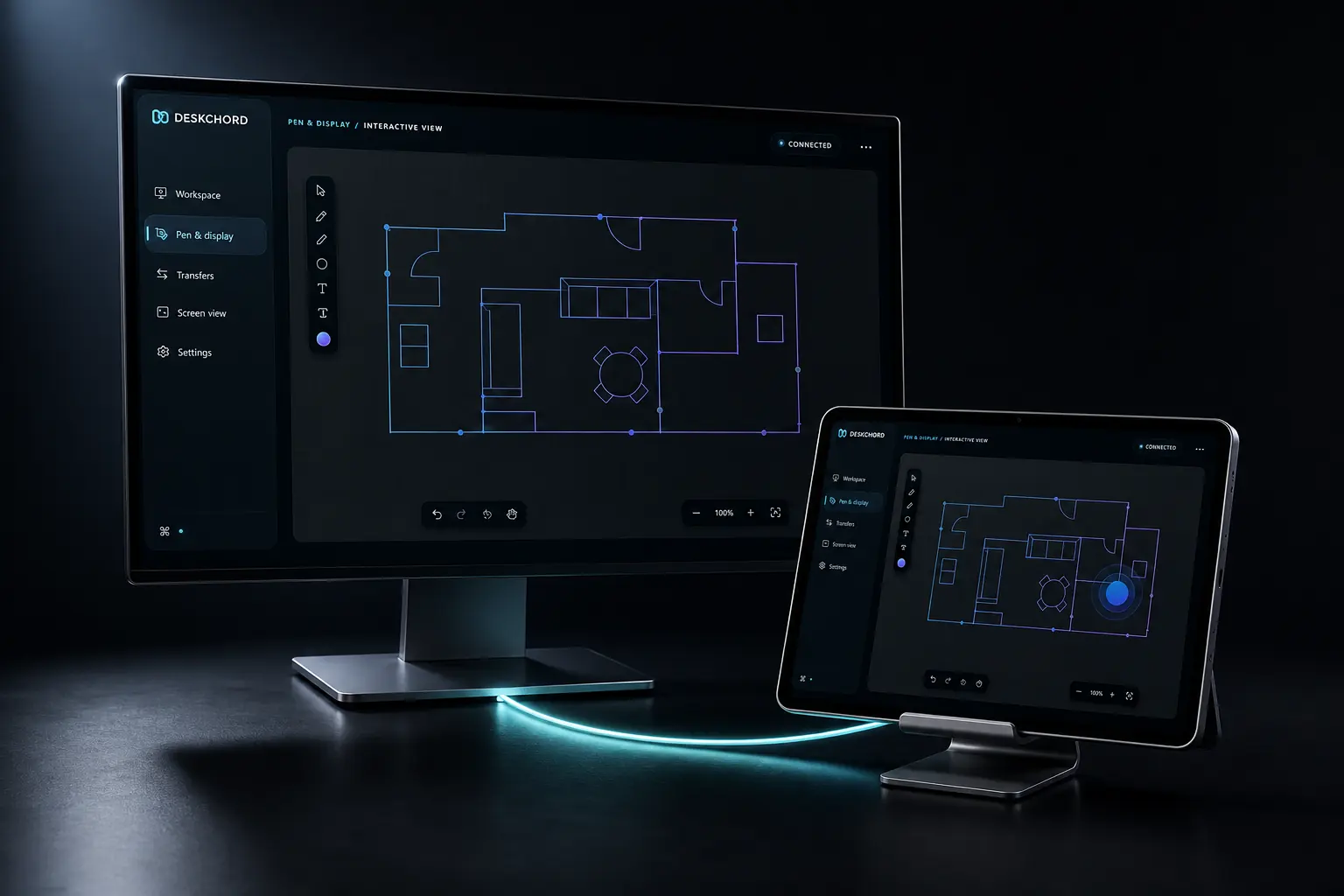
- Interactive View is a selected-source video path, not an extended monitor.
- Screen View is independent from Input; touch return is an Input-gated session opt-in, while Pen Tablet uses Stylus.
- A license never substitutes for the signed IDD requirement.
04 / CHAPTER
A license is not peer authority.
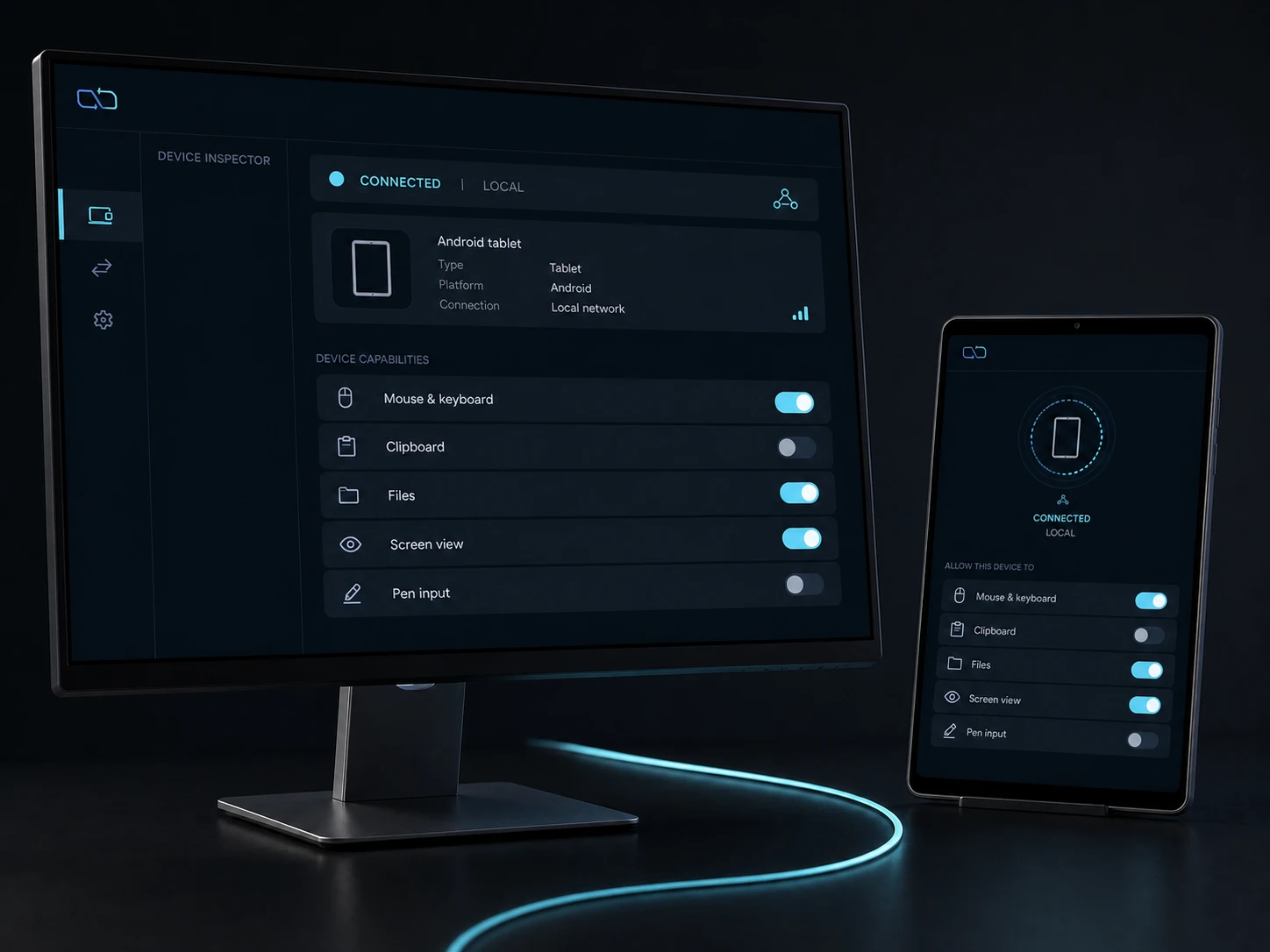
A plan describes product scope and seats. It never grants input, stylus, screen view, virtual display, clipboard, files, terminal or Remote Devices to a peer. Those capabilities remain denied by default and must be authorised independently on the LAN.
- Pairing establishes identity; it does not activate a paid capability.
- Every lane has its own grant, lease, generation and revocation path.
- The local current-user and copy-only boundaries apply on every plan.
05 / CHAPTER
Availability comes before a purchase decision.
DeskChord checks public commerce availability before enabling checkout. The checkout opens only when the account, provider and delivery checks for the displayed route are ready, and it closes again if a required check fails.
- The page describes the Pro scope; an entitlement is created only after provider confirmation and server fulfilment.
- A temporarily unavailable checkout is a safe service state, not an error to work around.
- When availability changes, the same capability boundaries still apply.
FAQ
Clear answers before you install.
What does Free include?
Free covers up to two devices, copy-only files up to 100 MiB per file, Interactive View up to 1280×720 at 30 fps and basic Pen Tablet support.
What does Pro include?
The lifetime Pro scope follows the signed EntitlementProfile seat policy: larger copies, Remote Files, high-quality and multi-monitor view, plus typed terminal and Remote Devices profiles where validation is complete.
How does a Pro purchase work?
Sign in, review the displayed price and terms, select an enabled hosted provider, and complete the required consumer confirmations. A licence is issued only after the server verifies payment.
Does a license grant control of another device?
No. A license never grants peer capability. Input, stylus, view, display, clipboard, files, terminal and Remote Devices remain separate LAN grants, denied by default.
DESKCHORD
One desk. Every device.
Start with the local path you already trust.