
REMOTE DEVICES
Remote devices, kept classified.
Remote Devices is a typed lane for supported serial/device profiles. You choose the device permission and peer grant; DeskChord never turns a pairing into unrestricted USB access.
Direct private LAN path. Every capability starts denied.
- PLATFORM
- Windows 10/11 + Android 10+
- NETWORK
- Private LAN, no relay
- PERMISSIONS
- Denied by default
- ACCOUNT
- Purchases, licenses and recovery
CAPABILITY DETAIL
Follow one lane in depth.
The feature index keeps the three specialised paths visible without merging their permissions or readiness status.
01 / CHAPTER
Start with a classified profile.
A native adapter enumerates supported device profiles and requests the platform permission needed for the selected device. The profile identifies the allowed operations and bounds instead of exposing a raw USB path.
- Windows and Android use native device access; the WebView receives path-free status.
- Serial profiles can be configured for a specific supported transport and mode.
- Generic USB passthrough and arbitrary device forwarding are intentionally excluded.
02 / CHAPTER
I/O stays typed and bounded.
A granted profile exposes only its declared configure, read, write, control, reset and close operations. Requests carry sequence and session identity so an old attachment cannot continue after it ends.
- The lease is exclusive and expires rather than becoming a permanent attachment.
- Read and write windows are bounded; malformed or late frames fail closed.
- Reset is a profile operation with its own validation, not firmware flashing by default.
03 / CHAPTER
Two approvals, one local route.
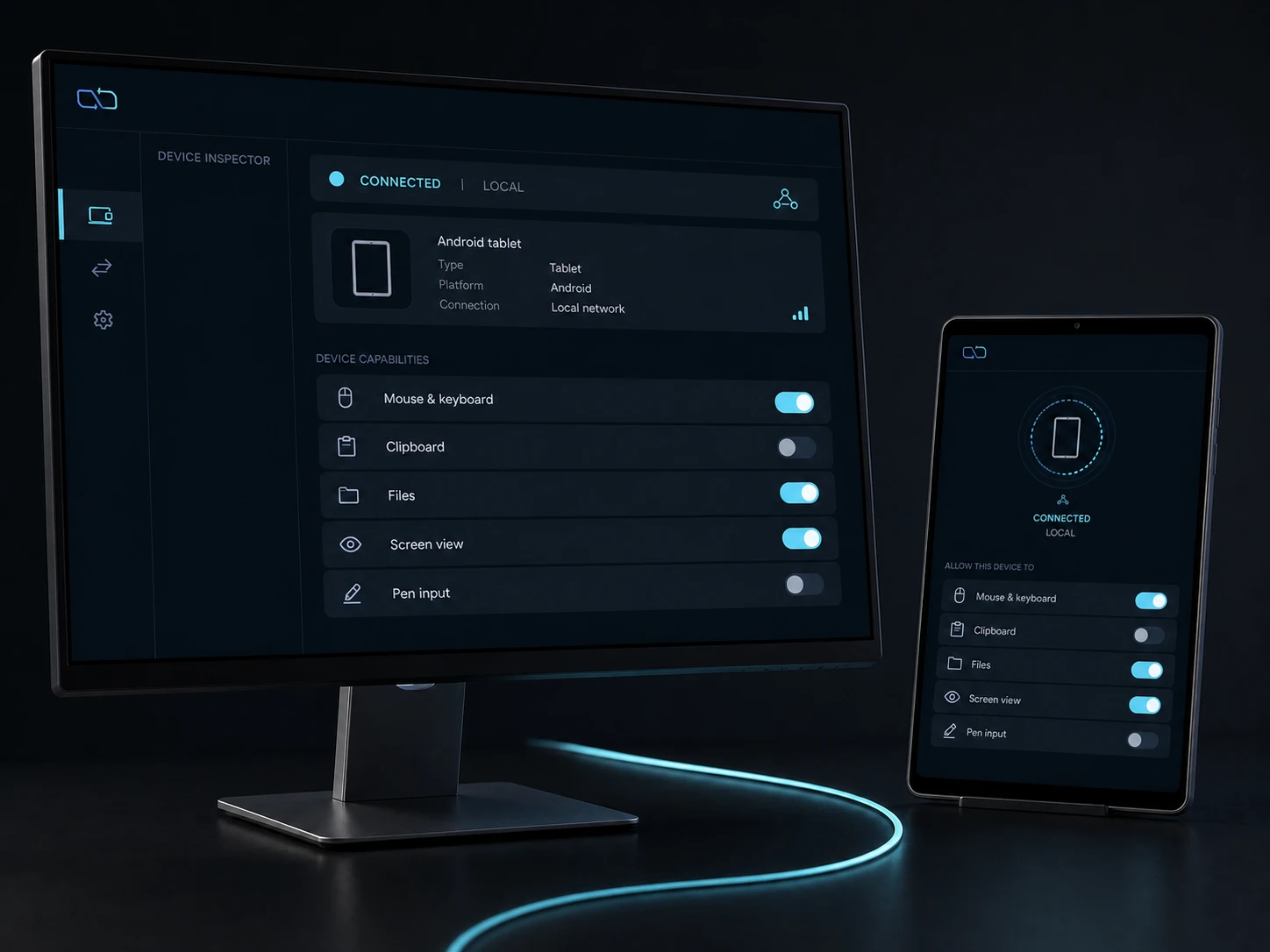
The device permission on the host and the Remote Devices grant for the peer are separate. Both are required, and revoking either closes the route without changing unrelated input, file or view permissions.
- Pairing proves identity but does not grant device access.
- The route remains direct-LAN and mTLS-authenticated; no cloud relay is involved.
- Closing or revoking a session does not delete the local device or its driver.
04 / CHAPTER
The hardware gate remains visible.
Remote Devices source support is present, but the current physical matrix for real COM and Android USB-serial fixtures is not accepted yet. The page describes the boundary without calling the lane ready.
- Current acceptance must cover configure ACKs, sustained bounded I/O, close and reconnect.
- Unplug, revoke and lease expiry each need their own fail-closed observation.
- A browser preview cannot prove a physical serial path.
FAQ
Clear answers before you install.
Is Remote Devices generic USB passthrough?
No. It exposes classified serial/device profiles with typed operations. Arbitrary USB forwarding is outside the contract.
What happens when the device is unplugged?
The affected attachment closes and late frames are rejected. Reconnect requires a fresh authenticated session, device permission and Remote Devices grant.
Is the serial bridge physically accepted?
Not yet. The source path is implemented, while the current Windows COM and Android USB-serial hardware matrix remains pending.
DESKCHORD
One desk. Every device.
Start with the local path you already trust.