
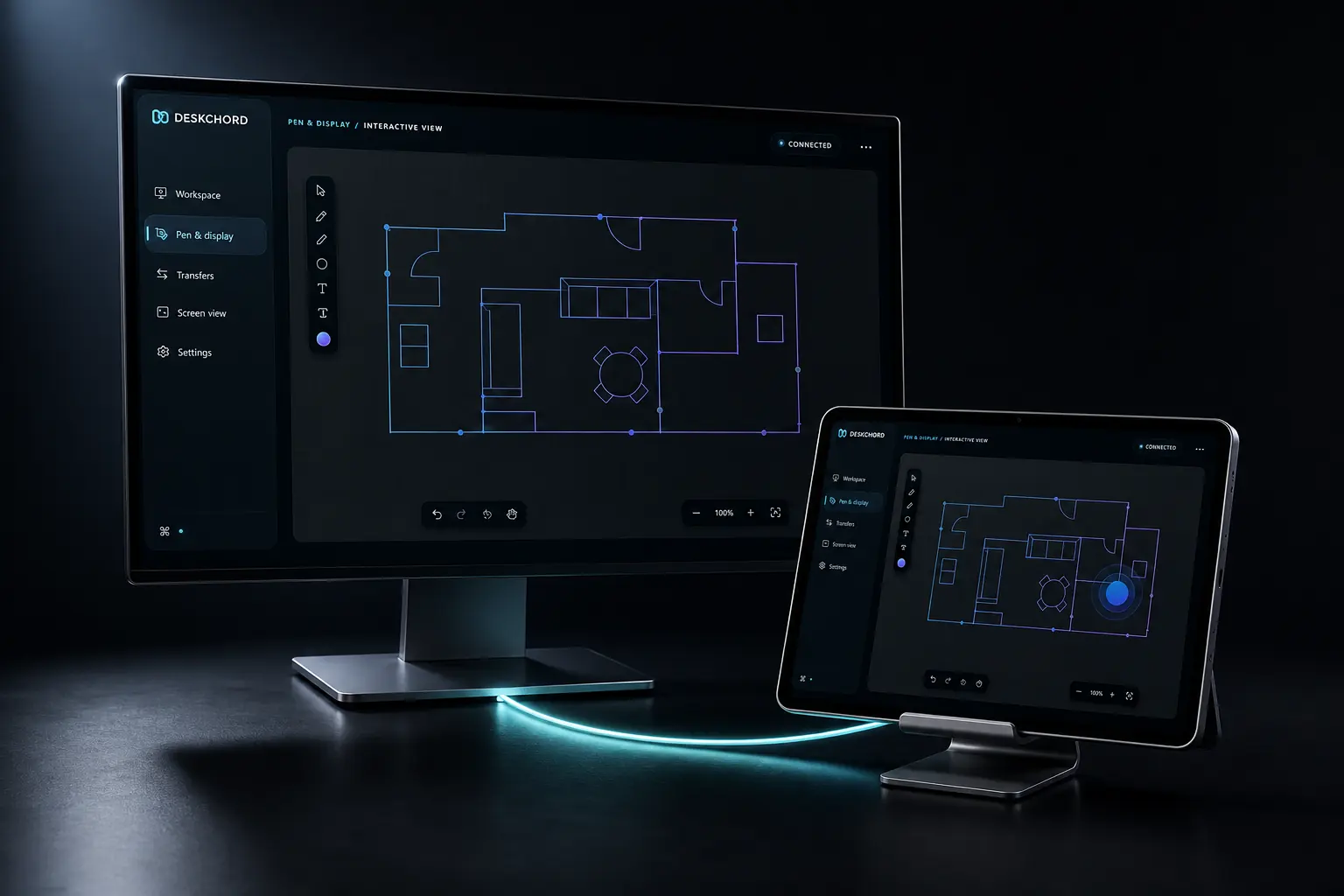
VIRTUAL DISPLAY
An extended display with a hard boundary.
Virtual Display is not the same as Interactive View. It needs a separately signed and installed DeskChord IDD before Windows can treat Android as an extended monitor.
Direct private LAN path. Every capability starts denied.
- PLATFORM
- Windows 10/11 + Android 10+
- NETWORK
- Private LAN, no relay
- PERMISSIONS
- Denied by default
- ACCOUNT
- Purchases, licenses and recovery
CAPABILITY DETAIL
Follow one lane in depth.
The feature index keeps the three specialised paths visible without merging their permissions or readiness status.
01 / CHAPTER
Interactive View and Virtual Display are different.
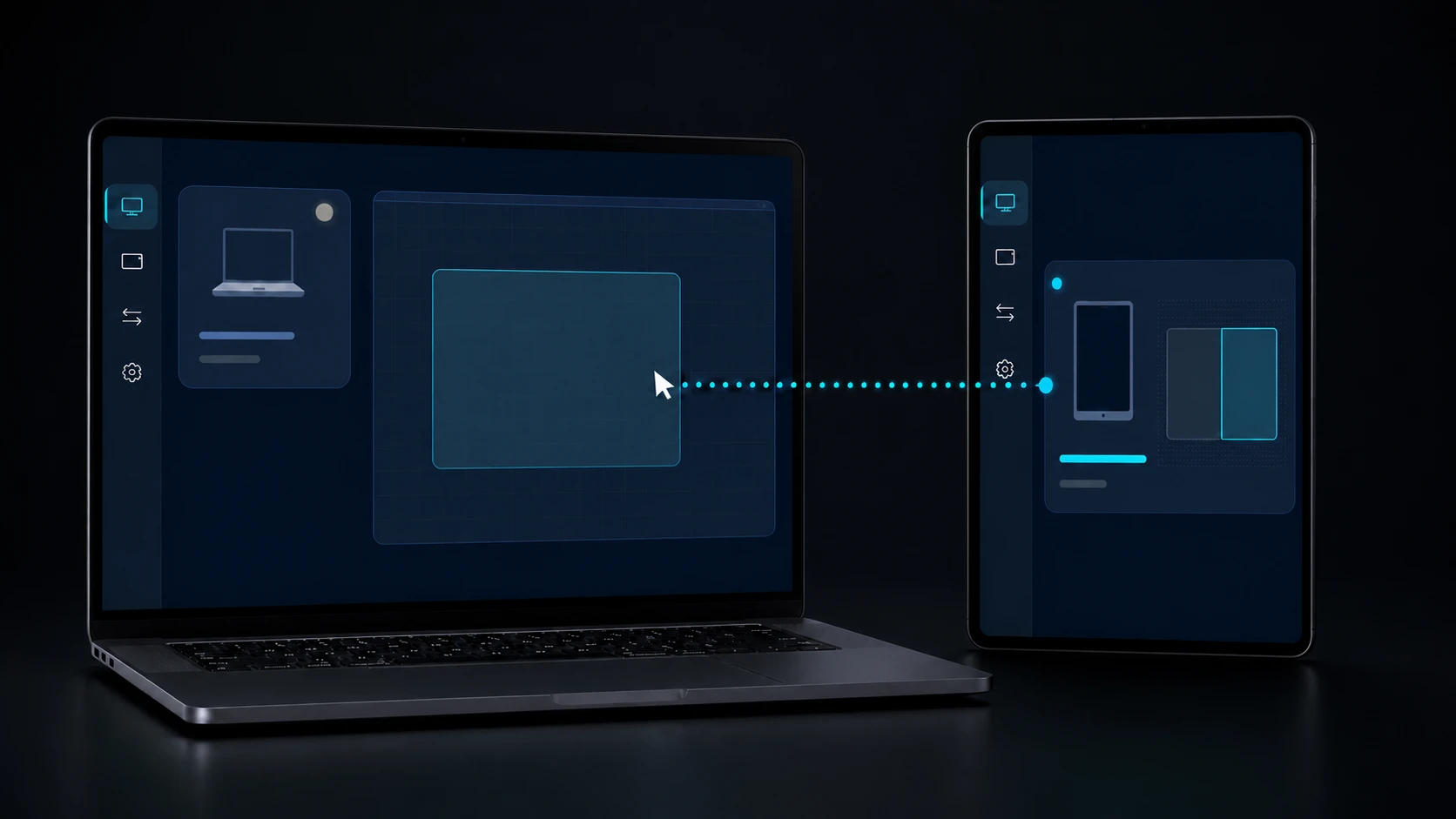
Interactive View streams a selected visible app or an existing display. Virtual Display asks Windows to extend its desktop onto one optional DeskChord indirect monitor, then uses a native view and input path.
- Screen View does not create a monitor, and Virtual Display does not inherit its grant.
- The extended target is one Windows monitor supplied by the IDD, not a Miracast endpoint.
- Neither mode carries microphone, system audio or a remote audio device.
02 / CHAPTER
Administrator consent is limited to install changes.
The optional IDD may request administrator consent only while it is installed, updated or removed. Pairing, streaming, placement and normal operation remain in the signed-in user's session.
- No elevated service, broker or lock-screen control is introduced for normal use.
- A package must be signed and attested before the runtime will bind it.
- An unsigned or merely staged driver never makes the capability ready.
03 / CHAPTER
The live companion is fenced.
The Windows provider attests the package before opening exactly one device interface. Requests are bound to the current process and Windows session, with nonce, sequence, target and surface generations checked at the boundary.
- A detached, mismatched or stale surface closes instead of being reused.
- The provider does not expose a generic DeviceIoControl endpoint to the WebView.
- Input and Screen View still require their own peer grants.
04 / CHAPTER
This lane is currently unavailable.
The IDD source and companion ABI exist, but the repository package is unsigned and uninstalled. Virtual Display therefore remains unavailable until a production-signed package, install proof and live physical acceptance are complete.
- Do not infer readiness from source, an unsigned package or Interactive View success.
- Release checks include install, update, rollback, remove, rotation and reconnect.
- Other LAN capabilities remain available when this optional lane is unavailable.
FAQ
Clear answers before you install.
Is Virtual Display the same as Interactive View?
No. Interactive View streams an existing visible source. Virtual Display requires a separately signed IDD so Windows can expose one extended monitor target.
Can the IDD control UAC or the lock screen?
No. Administrator consent is limited to driver install, update and removal. Normal pairing, streaming and input stay in the signed-in user's session.
Can I use Virtual Display today?
Not yet. The current IDD package is unsigned and uninstalled, so the capability remains unavailable pending production signing and physical acceptance.
DESKCHORD
One desk. Every device.
Start with the local path you already trust.